46
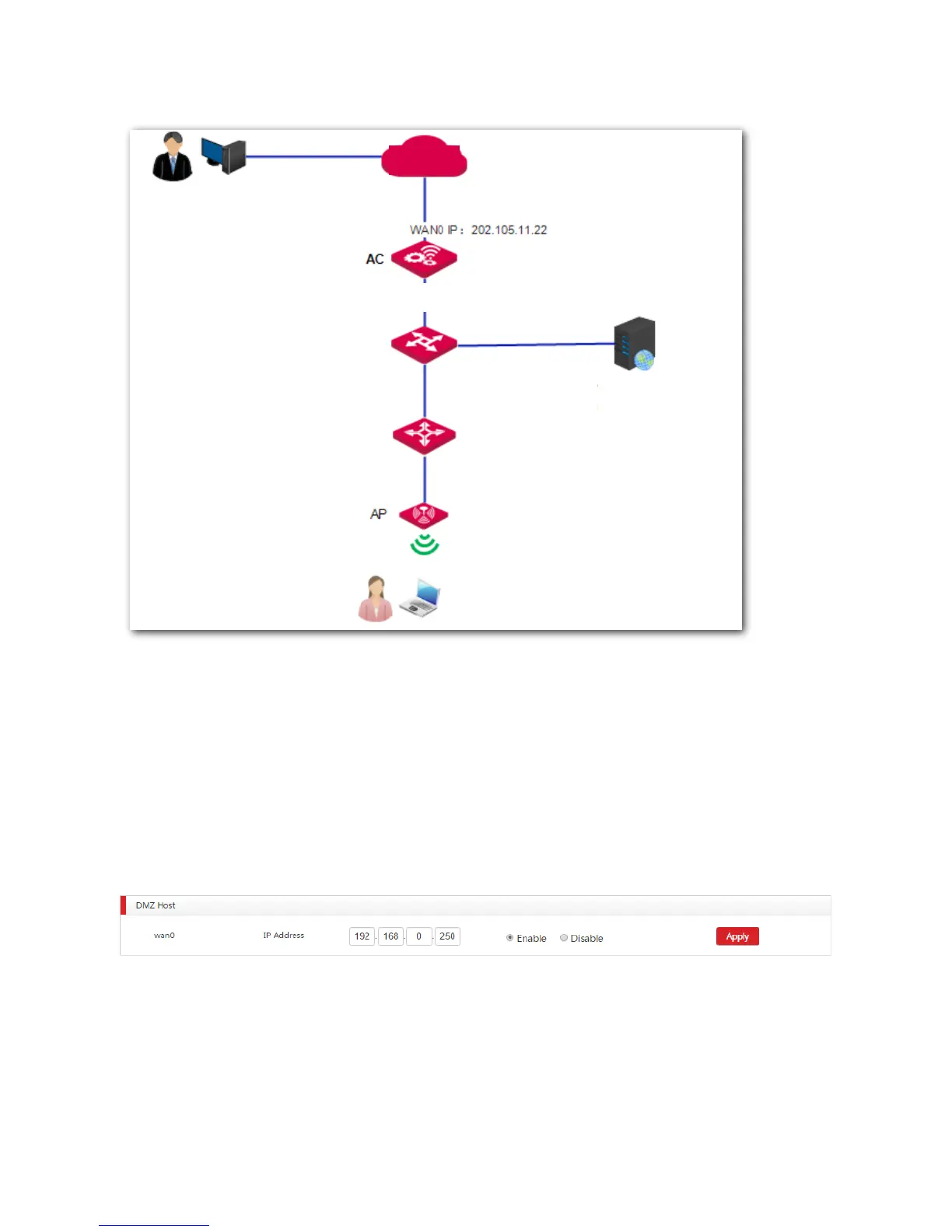
Network Topology
Procedure
1. Log in to the web UI of the AC and go to Network Setting > Network Setting > NAT Rule.
2. On the "DMZ Host" section, choose WAN0 to configure.
Select Enable.
IP Address: Enter the IP address of the web server 192.168.0.250.
3. Save your settings.
Verification
If the configuration is successful, internet users can use http://WAN IP address to access the web server.
In this example, internet users can use http://202.105.11.22 to access the web server.



 To Next Page