EasyManua.ls Logo

IP-COM AC3000-32 - Page 68

IP-COM AC3000-32
109 pages
Print Icon
To Next Page IconTo Next Page
To Previous Page IconTo Previous Page
Loading...
67
In this example, we can use the default SSID policy. When the APs get online, the default SSID policy
will be delivered to the APs. Then, the users can automatically obtain the IP address information.
Network segment: 192.168.6.0/24, gateway: 192.168.6.1, DNS: 192.168.200.100.
II. Configure Router
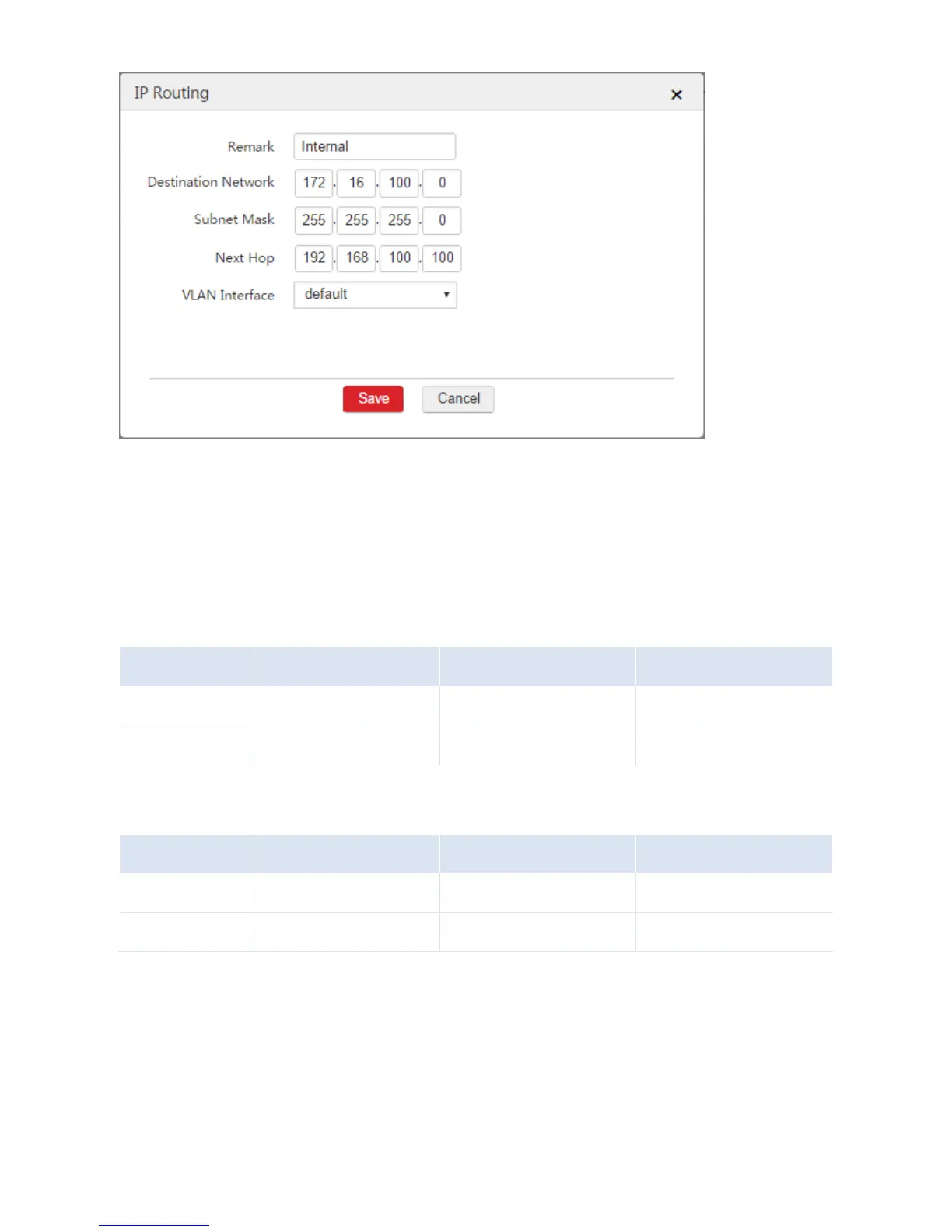
1. Configure static routes on the two routers.
Configured Router
Destination Network
Next Hop
Interface
Router1
192.168.6.0/24
192.168.100.1
LAN
Router2
192.168.6.0/24
192.168.200.1
LAN
2. Configure NAT rules on the two routers to allow the users to access the internal server and the
internet.
Configured Router
IP Address
Subnet Mask
Interface
Router1
192.168.6.0
255.255.255.0
WAN
Router2
192.168.6.0
255.255.255.0
WAN
Verification
After the configuration is complete, both the AC and the users can access the internet and the internal
server of the enterprise network simultaneously.