77
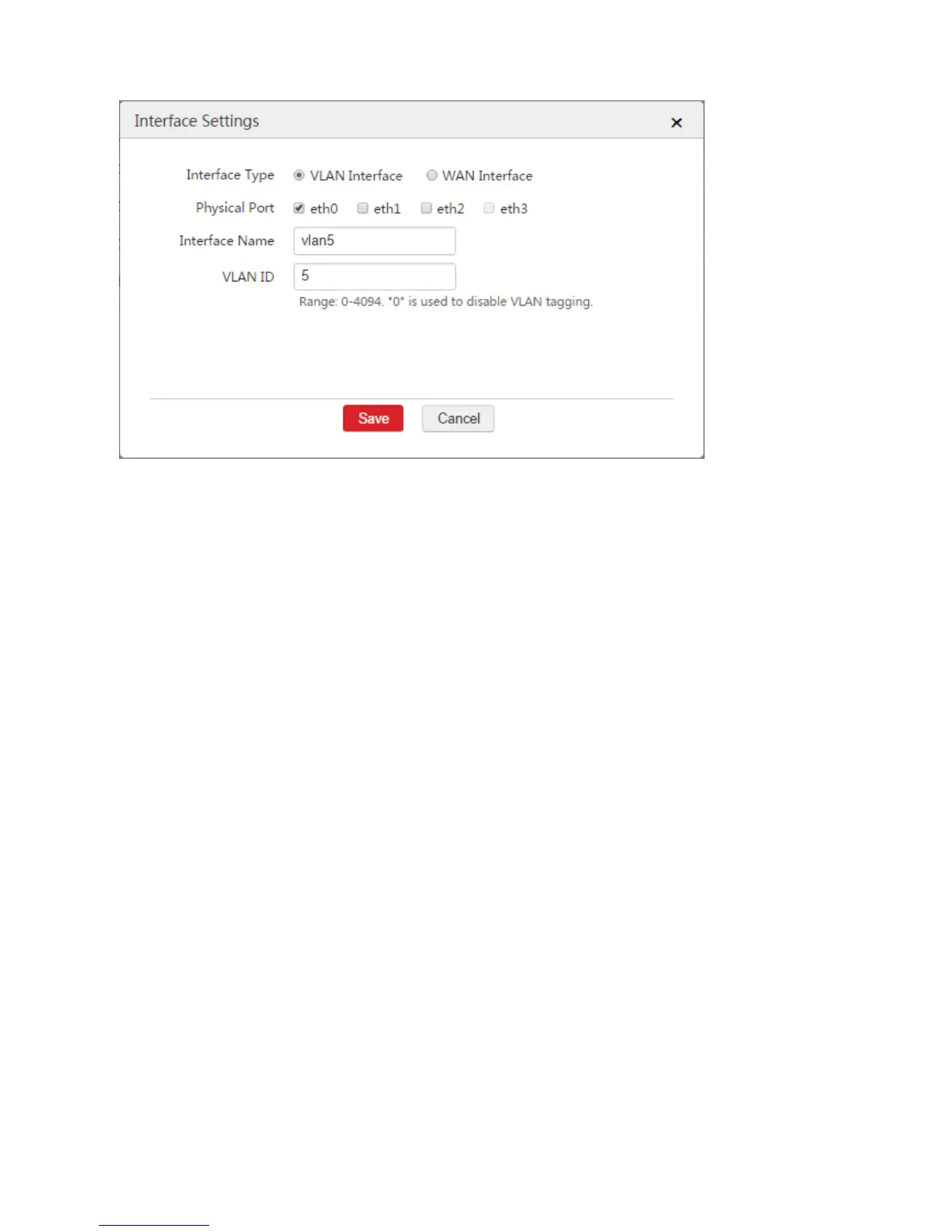
3) Click Save.
Step 3: Configure Interface and DHCP Server
Choose Network Setting > Network Setting > Interface and DHCP Server and configure two DHCP
servers used to communicate with the administrator and the APs respectively.
1. Configure the DHCP server used to communicate with the administrator
1) Choose Network Setting > Network Setting > Interface Settings and click Add.
2) Configure the parameters in the window.
VLAN Interface: Select the VLAN interface configured in "Configure the VLAN interface used to
communicate with the administrator" from Step 2, which is "default" in this example.
IP Address: Set an IP address for the VLAN interface, such as "192.168.0.1".
Subnet Mask: You can keep the default value.
3) Click Save.



 To Next Page