76
5. Select the APs to be managed and click Reboot. The settings take effect when the APs finish the
reboot process.
Step 2: Configure VLAN Interface
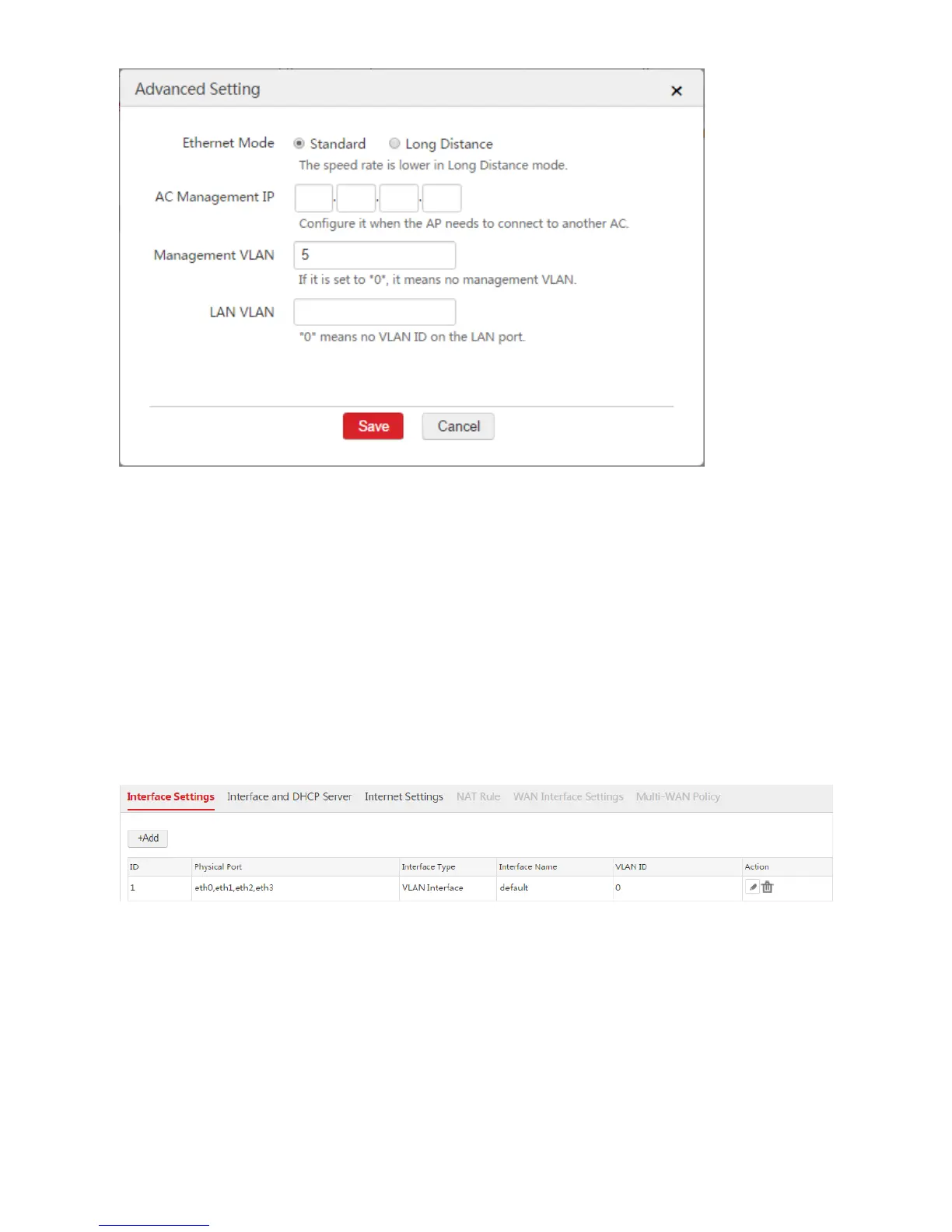
Choose Network Setting > Network Setting > Interface Settings and configure two VLAN interfaces
used to communicate with the administrator and the APs respectively.
1. Configure the VLAN interface used to communicate with the administrator.
According to the networking requirement, the VLAN interface of the AC communicated with the
administrator does not need to configure VLAN ID. We can use the default VLAN interface.
2. Configure the VLAN interface used to communicate with the APs.
1) Click Add.
2) Configure the parameters in the window.
Interface Type: Select "VLAN Interface".
Physical Port: Select the port connected to the switch, which is "eth0".
Interface Name: Set a name for the VLAN interface, such as "vlan5".
VLAN ID: Enter the management VLAN ID of the APs, which is "5" in this example.



 To Next Page