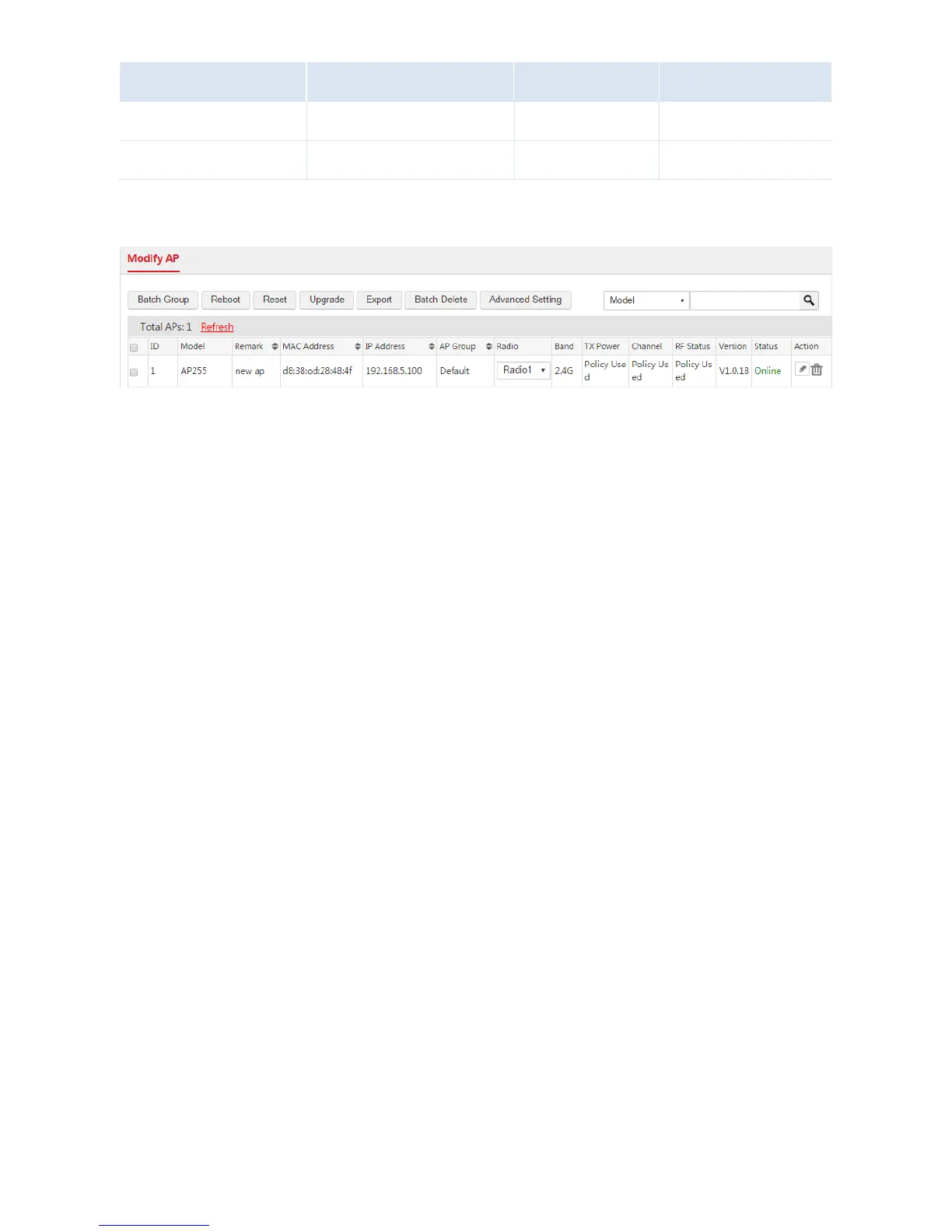
After the above configuration, the AC can mange the APs whose management VLAN ID are 5.
II. Manage User
Log in to the web UI of the AC and follow the steps.
Step 1: Configure VLAN Interface
1. Log in to the web UI of the AC and go to Network Setting > Network Setting > Interface Settings.
2. Click Add.
3. Configure the parameters in the window.
Interface Type: Select "VLAN Interface".
Physical Port: Select the port connected to the switch, which is "eth0".
Interface Name: Set a name for the VLAN interface, such as "vlan6".
VLAN ID: Enter the VLAN ID of the users' VLAN network, which is "6".
4. Click Save.



 To Next Page