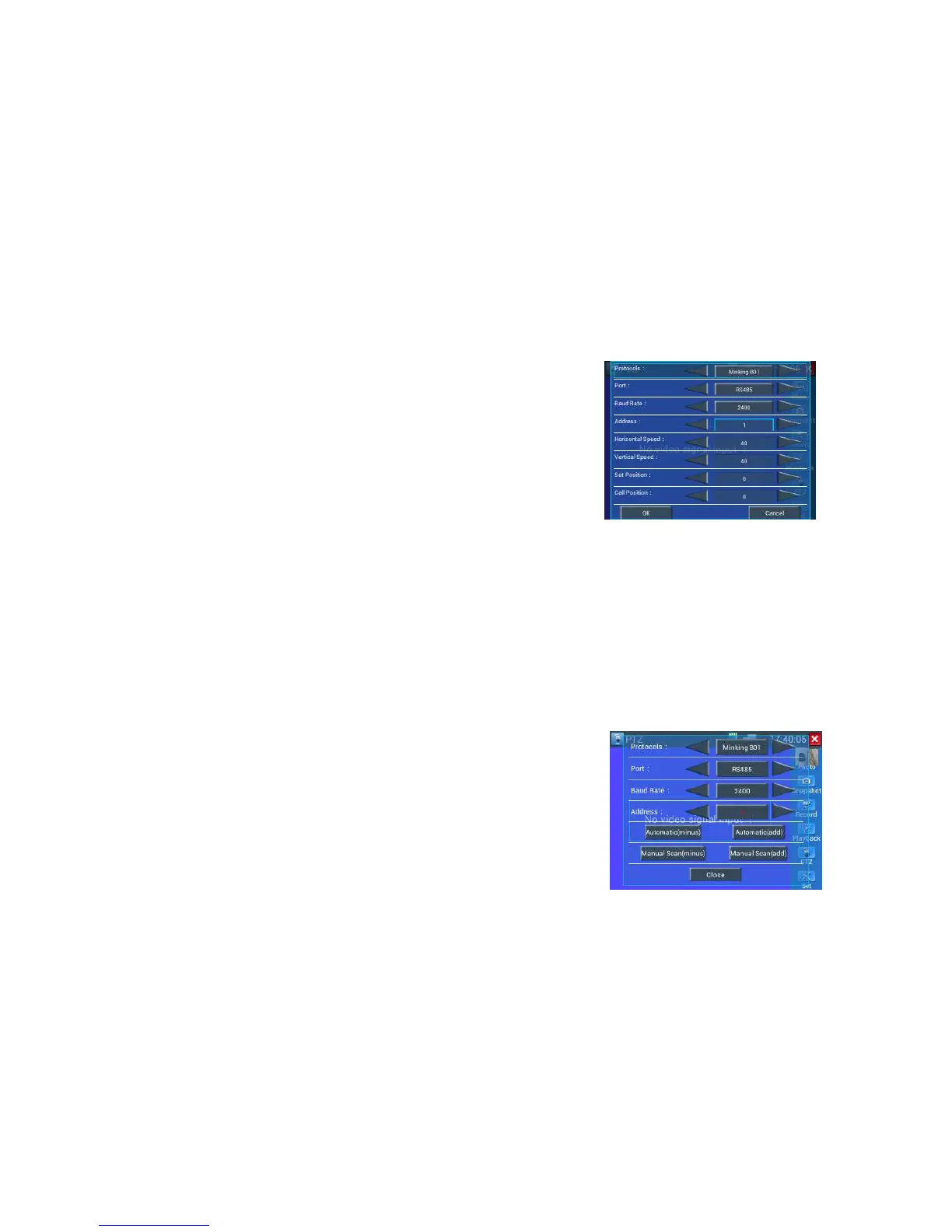
Pls click “address scan “to set
protocol, communication port, communication rate, make them the same
as PTZ camera.
Press “Auto scan” (add), add: 1 the tester will search up the ID quickly and continuously. When the ID
is searched, the PTZ camera will pan right. At this time, please press Auto scan” (add) to stop searching
up.
Press “Auto scan” (minus), when searched address and stop pan right , the display address code is
dome camera address code .
Press “Auto scan” (minus), address :1 The tester will search up the ID quickly and continuously.
When the ID is searched, the PTZ camera will pan left. At this time, please press “Auto scan” (minus)”
to stop searching up.
Press “Auto scan” (add), when searched address and stop pan left, the display address code is dome
camera address code.



 To Next Page