(Note:if exit “PTZ”,”System setting-PTZ address scan default be “off” .if use it next time ,Pls turn on
it again)
56B
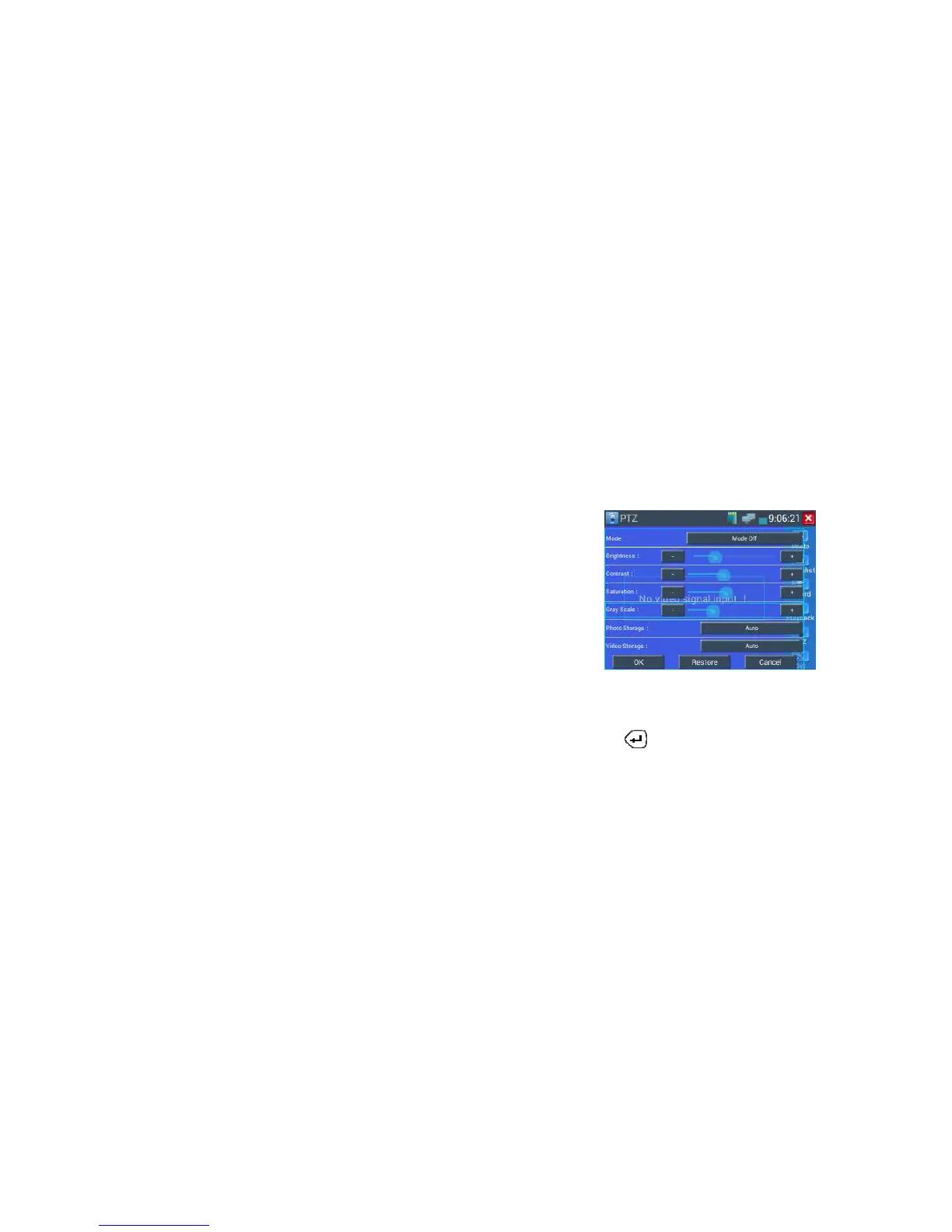
3.3.1.3 Video and storage setting
Click icon "set",to enter and set analog video image brightness , contrast, color saturation, as well as the
file storage way after snapshot and recording, support auto-storage and manual storage. When select
manual storage, user can name and store the files.
57B
3.3.1.4 4 x zoom image display
when image input,press to enter “zoom”,press it again to quit.
Using the touch screen to control PTZ camera movement:
Tap left, right, upward or downward on the video image to move the PTZ camera in a desired direction.
Stretch two fingers outward or inward on the touch screen to zoom the image in or out.



 To Next Page