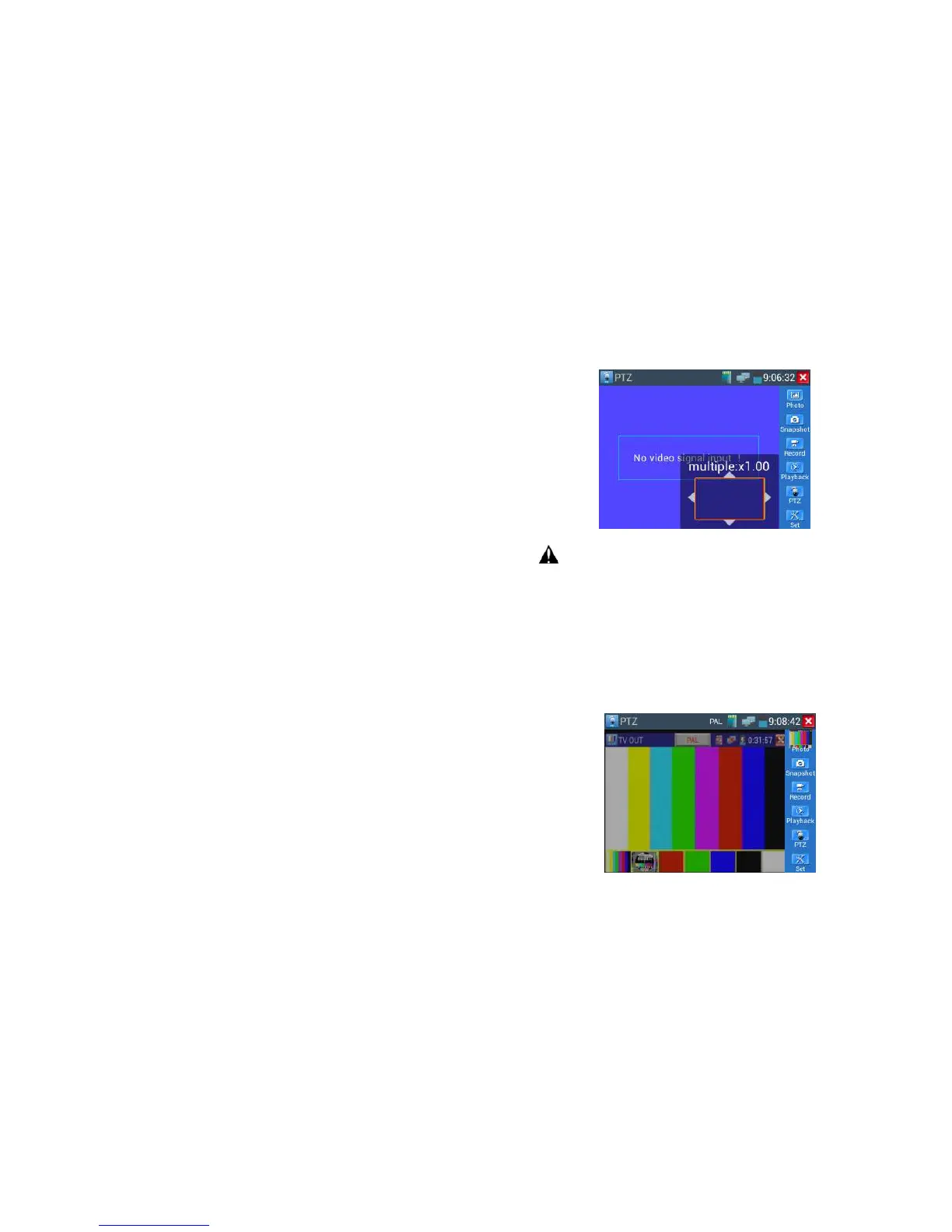
For analog video input, as the resolution is 720*480, it is normal that the zoom in image is not
clear. But for network digital video input, as it supports resolution up to 1280*960, the zoom in image
is still very clear. This is very helpful for IP camera installation.
58B
3.3.1.5 Snapshot
Click the icon "Snapshot ",when the video in, to take a picture and save the current video frame in the
SD card as JPEG file.
If the unit is set to the manual mode an "Input Name" pop up box will appear and you can enter a title
for the snapshot. If the unit is set up to automatically set file names, this box will not pop up.



 To Next Page