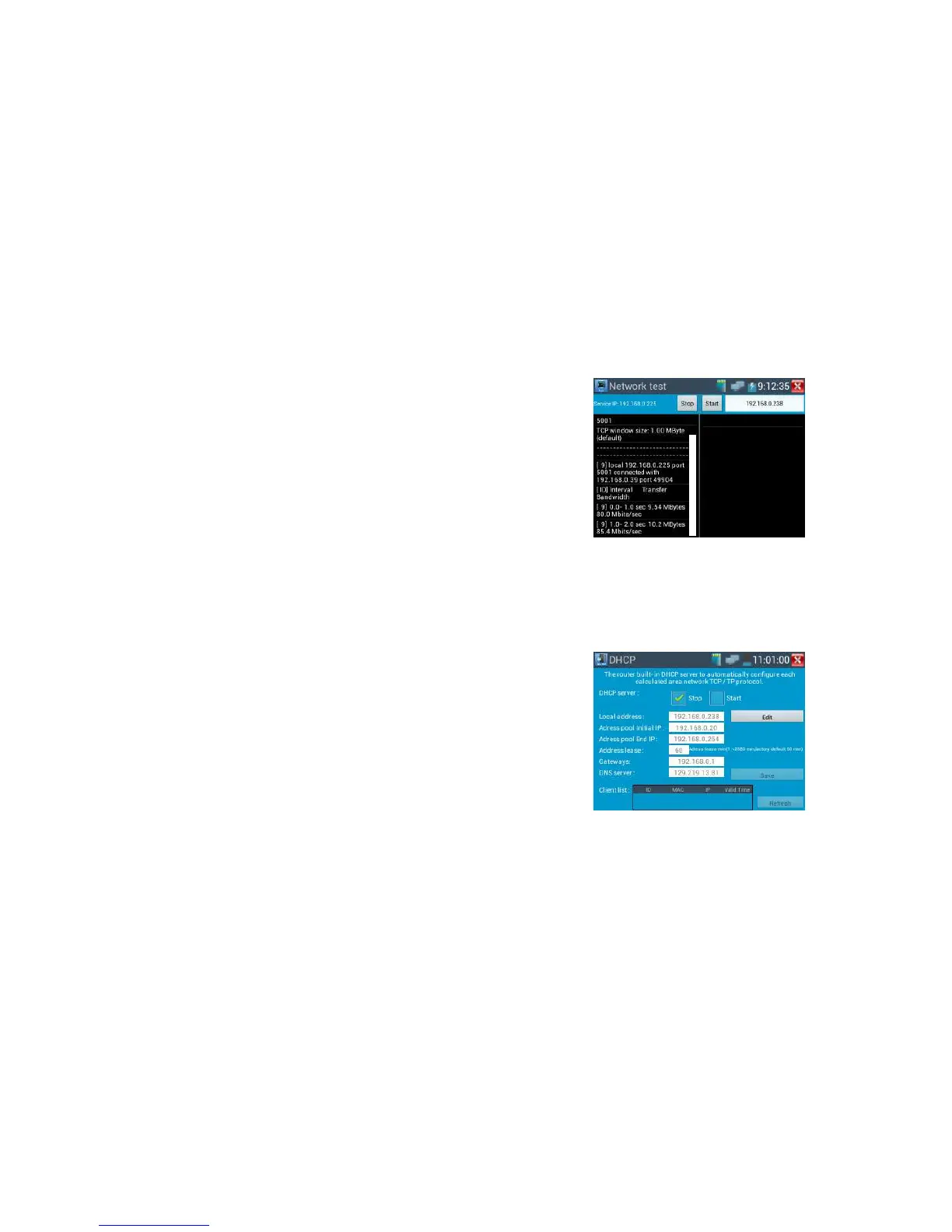
When tester as Server, shows results:
DHCP server:
Click on the DHCP icon to open the DHCP server app. Select the “Start” check box at the top and make
any desired changes to the network settings. Click “Save” to start assigning dynamic IP addresses for
IP cameras and other networked devices.
Click the “Refresh” button to check your Client list.
“Refresh” to check received IP address.
Notepad:
Click on the Notepad icon to open the Notepad app. Click the “Save” key to save the contents



 To Next Page