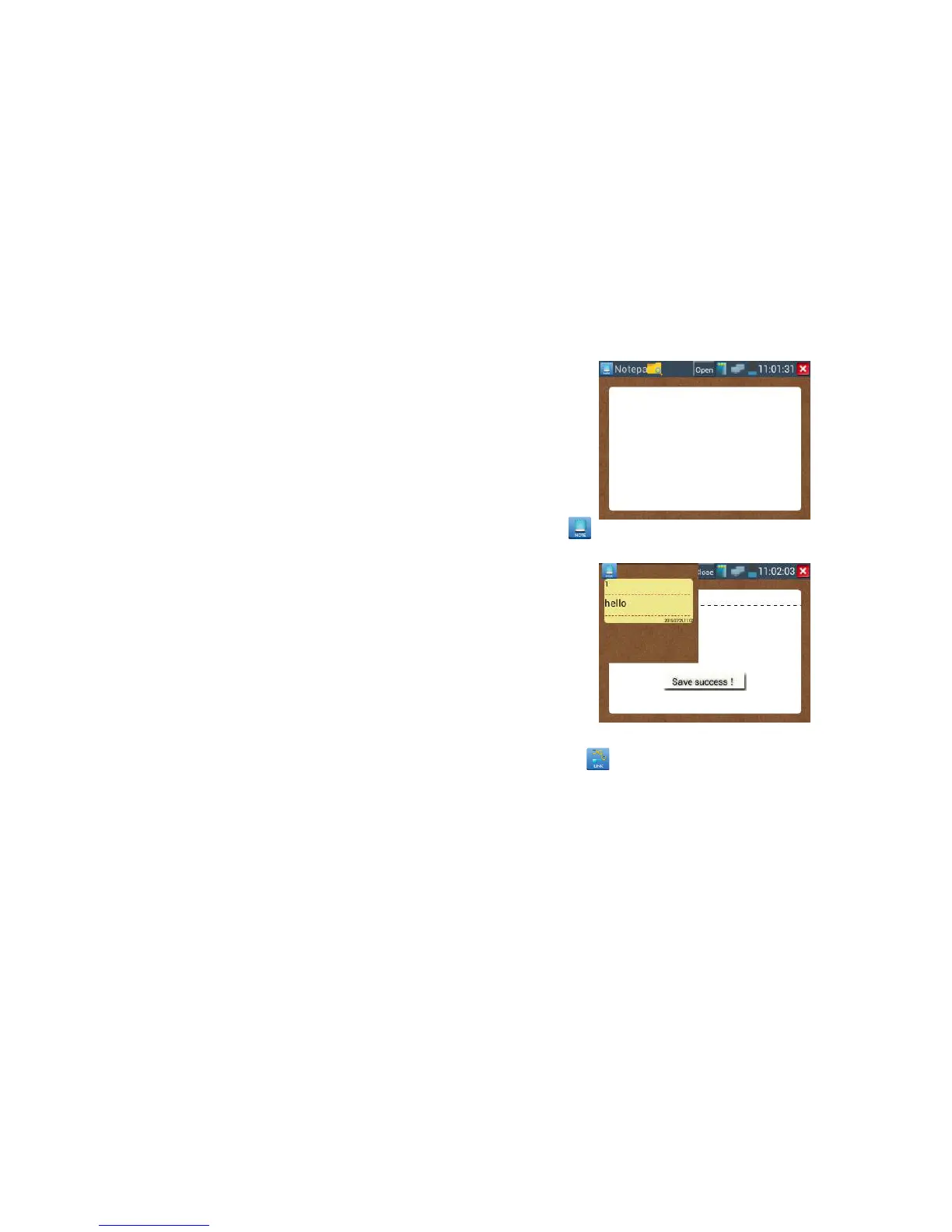
pls click to view the notepad , all saving contents display. Click each record bar to show the
details. Press the record bar for several seconds, prompt whether delete it
Link monitor :
Click the icon to open the Link Monitor app. This app is used to see if an IP address is occupied
by other network devices. This will avoid new address conflicts.
Click “Add” and enter the desired IP address. To test different network segments, click the “Settings”
icon on the main menu and go to IP Settings and make the desired changes. Once the desired IP
addresses are added to the Link Monitor list, click “Start”. If the IP address status shows a check mark
the IP address is occupied. If the IP address status shows an X the IP address is available. Click “Stop”
to stop the testing.



 To Next Page