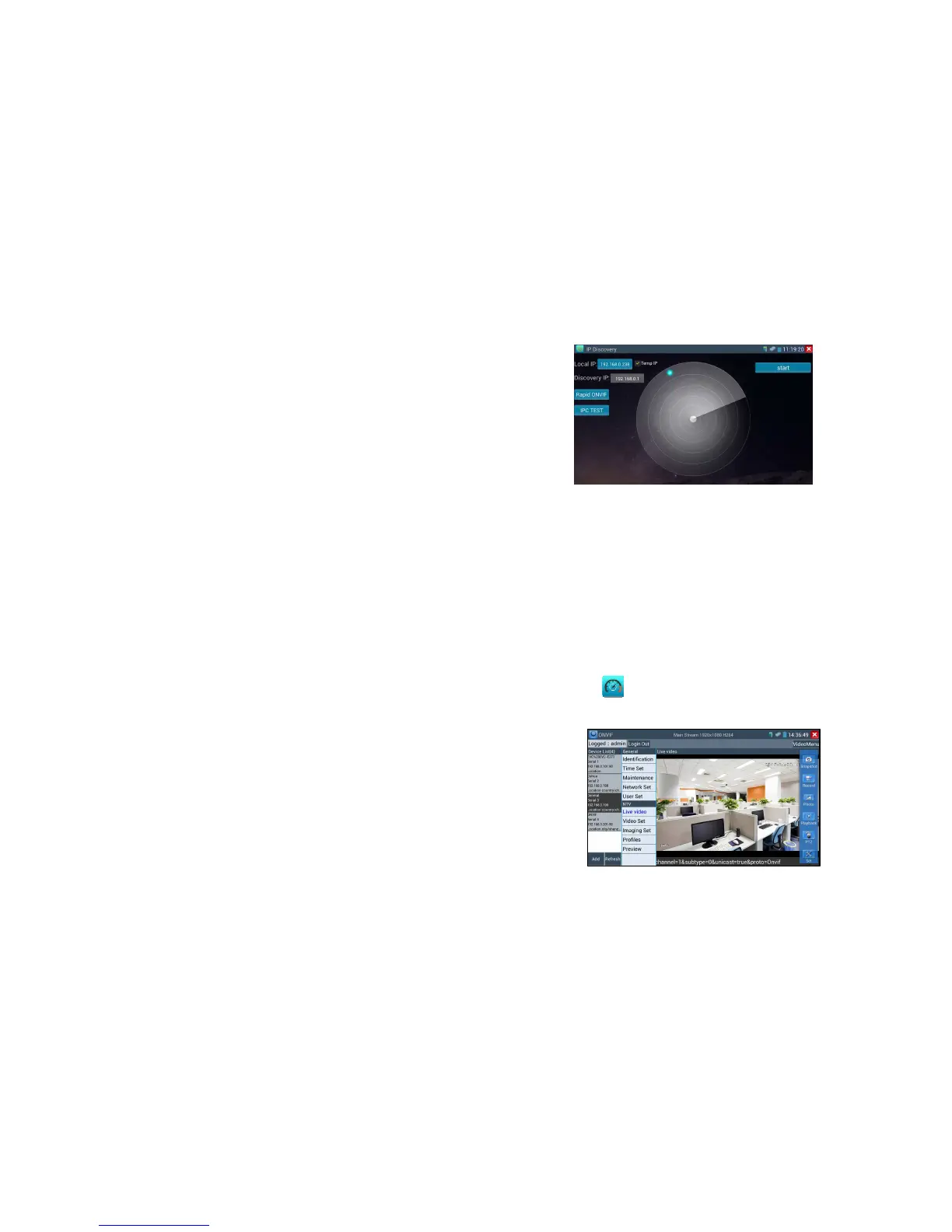
If select "Temp IP", after searching IP address, the modified tester’s IP address will not be saved, if you
do not select “Temp IP,” the modified tester’s IP address will auto-save after searching.
Click "Start", can PING camera’s IP, check the network connectivity.
Step 3: Click “Rapid ONVIF”, tester will auto- log in and display image from the camera, then click
“IPC TEST”, select the camera type, and start to test.
Note: 1) IP discovery app, when testing, it is mainly for connecting camera and tester by cable
directly.
2) If connect Local area network, IP display app can work.
3) IP discovery app cannot work if connect wifi
Rapid ONVIF
Rapid ONVIF search camera quickly, auto log in and display image from the camera
Click Rapid onvif , tester can quickly search ONVIF camera, auto- log in and display the image
from camera .If tester search multiple cameras, tester default auto play the first camera in the searched
list, but need manually play and view the rest cameras .



 To Next Page