Page.9.
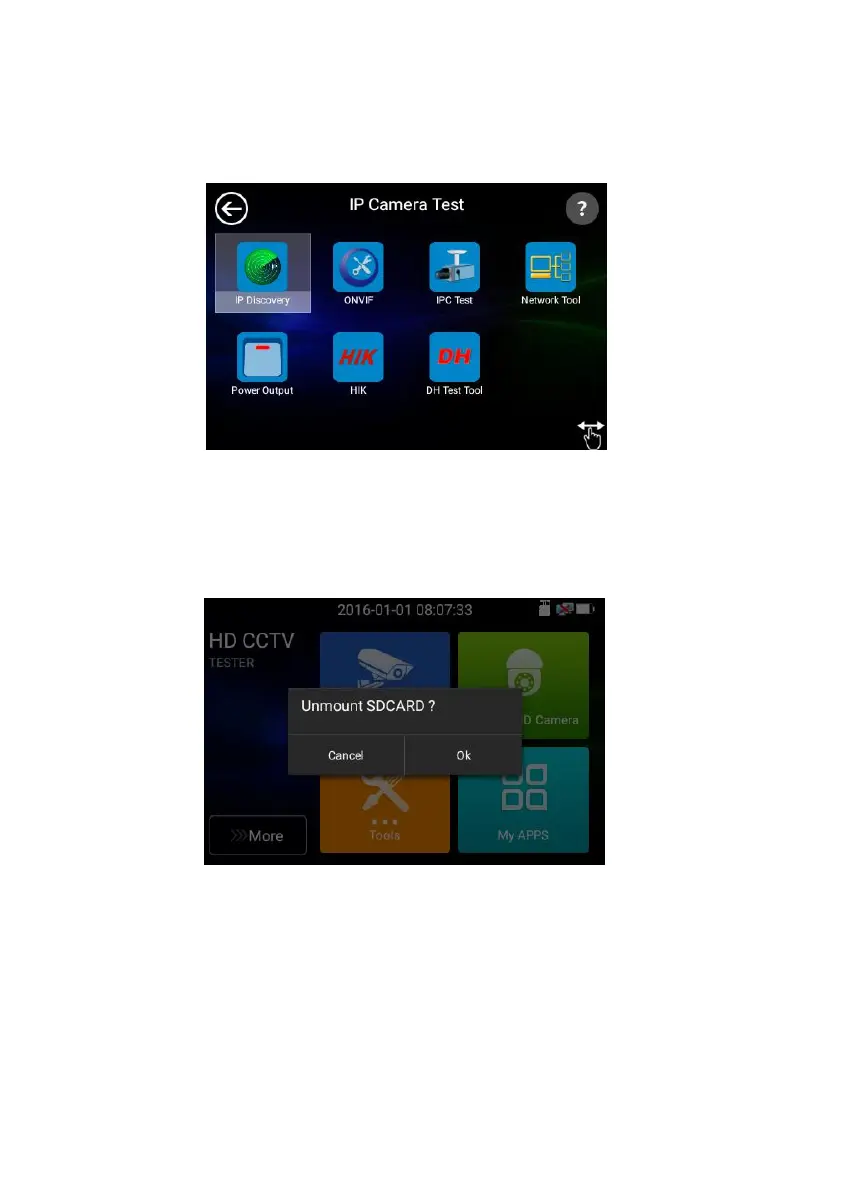
◼ In Lite mode, Press the icon several seconds, can move the icon to other apps
◼ In lite mode, click the finger icon in the lower right corner to release lock icon, move icons and
change function icons sequence.
Click SD card, install or remove SD card.
3.3.2 Drop-down Menu
Press and slide at right top right corner twice to open shortcut menu. The shortcut menu includes IP
settings, CVBS, LAN, Brightness, settings etc.



 To Next Page