Page.46.
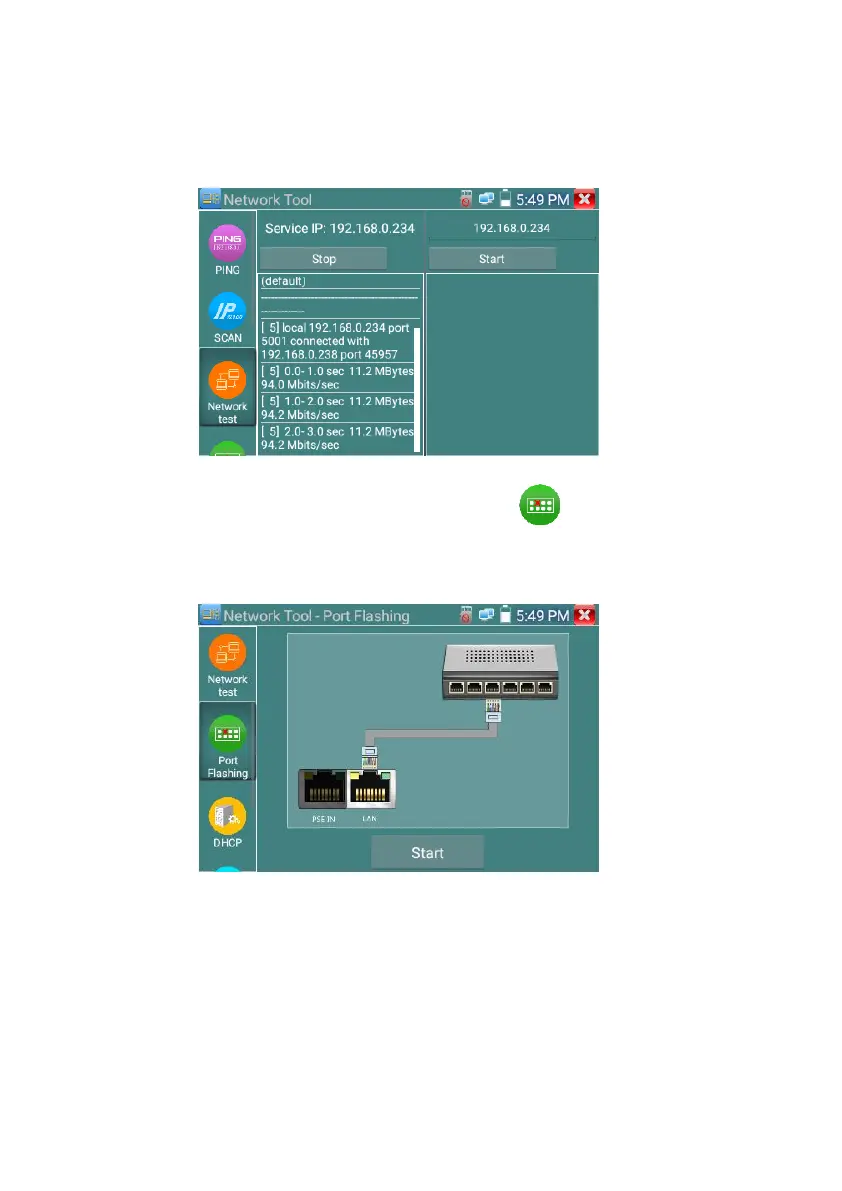
When use tester as Server, shows results:
(4)Port Flashing
Connect a network cable to the meter’s “LAN” port, click the icon to open the Port Flashing
app. Click “Start”. The IP tester sends a unique signal to make the connected LAN port of the switch
flash.
If the tester and PoE switch are connected well, the LAN port of POE switch flash at special frequency,
If not, no any changes on the LAN port



 To Next Page