Page.66.
3.3.27 File explorer
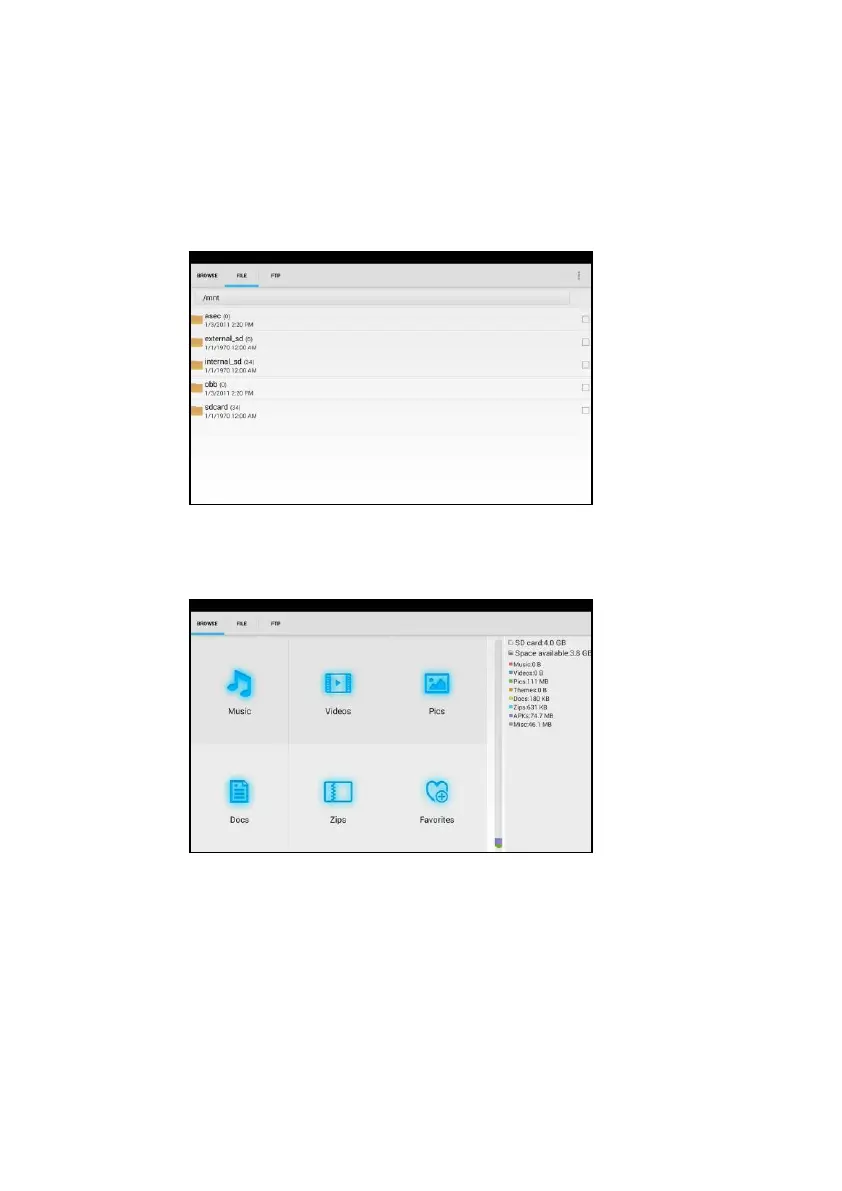
Click “File “on the top bar tool, can select internal or external storage. Click on the upper right corner
Icon”... “.will pop-up menu, you can select other operation or exit
Browse
It includes Music, Videos, Pictures, Documents, zip file etc. It is convenient to view and manage
FTP server
You can choose internal or external SD card.
Other operation details, Pls refer to FTP settings



 To Next Page