Page.10.
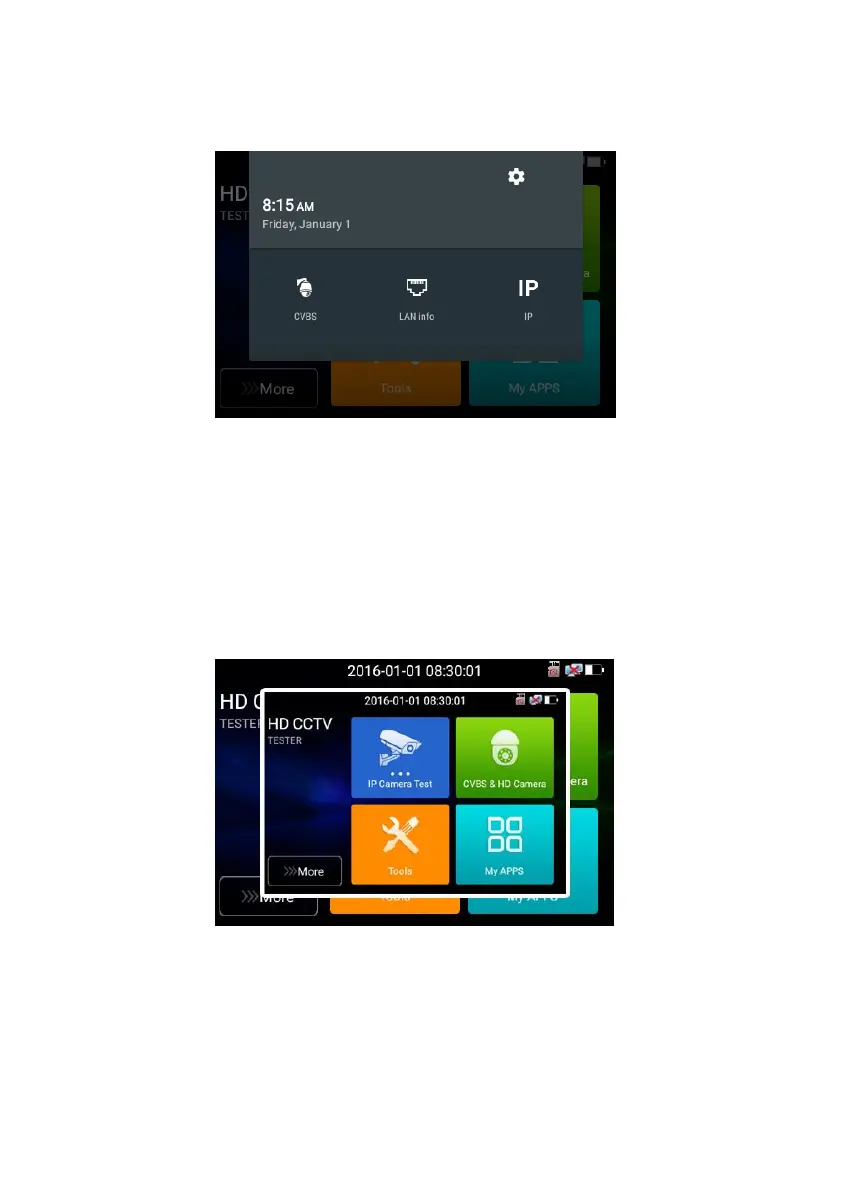
CVBS: Click icon “CVBS “to enter, you can test IP and analog camera at the same time.
LAN: Display network port or WIFI connection real-time upload and download speeds and other
network parameters.
Settings: Enter settings interface.
IP: Enter IP Settings interface.
3.3.3 Screen capture
long press the key “enter”, can capture screen interface and save it in any time.
You can go file management to view “file management –sdcard- Pictures—Screenshots
3.3.4 TesterPlay
Mobile screen projection (Only for android version)



 To Next Page