Page.62.
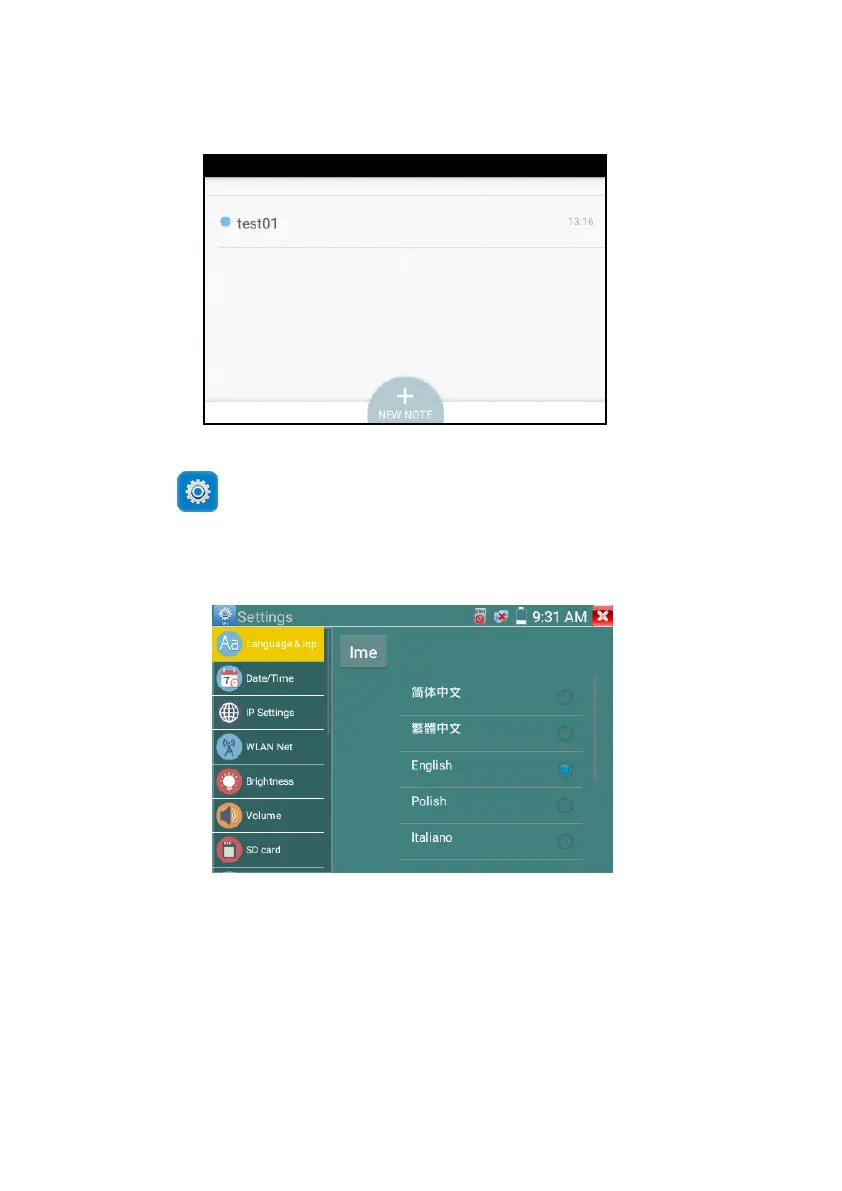
3.3.26 System Setting
Click icon to enter
Language: Select your desired language: English, Chinese, Korean, Russian, Italian , Polish ,Spanish,
French or Japanese
Typewriting: You can select typewriting or install other typewriting:
Date/Time: Set the Date/time of the IP tester
IP setting: Manually set the IP address, Subnet Mask, Default Gateway and DNS address or select
“Dynamic allocation” to use DHCP.



 To Next Page