Page.15.
Click the button “Refresh”, tester will scan the ONVIF camera again. Click the newly displayed ONVIF
camera on the “Device List“. The tester will show the IP camera’s relative information and settings.
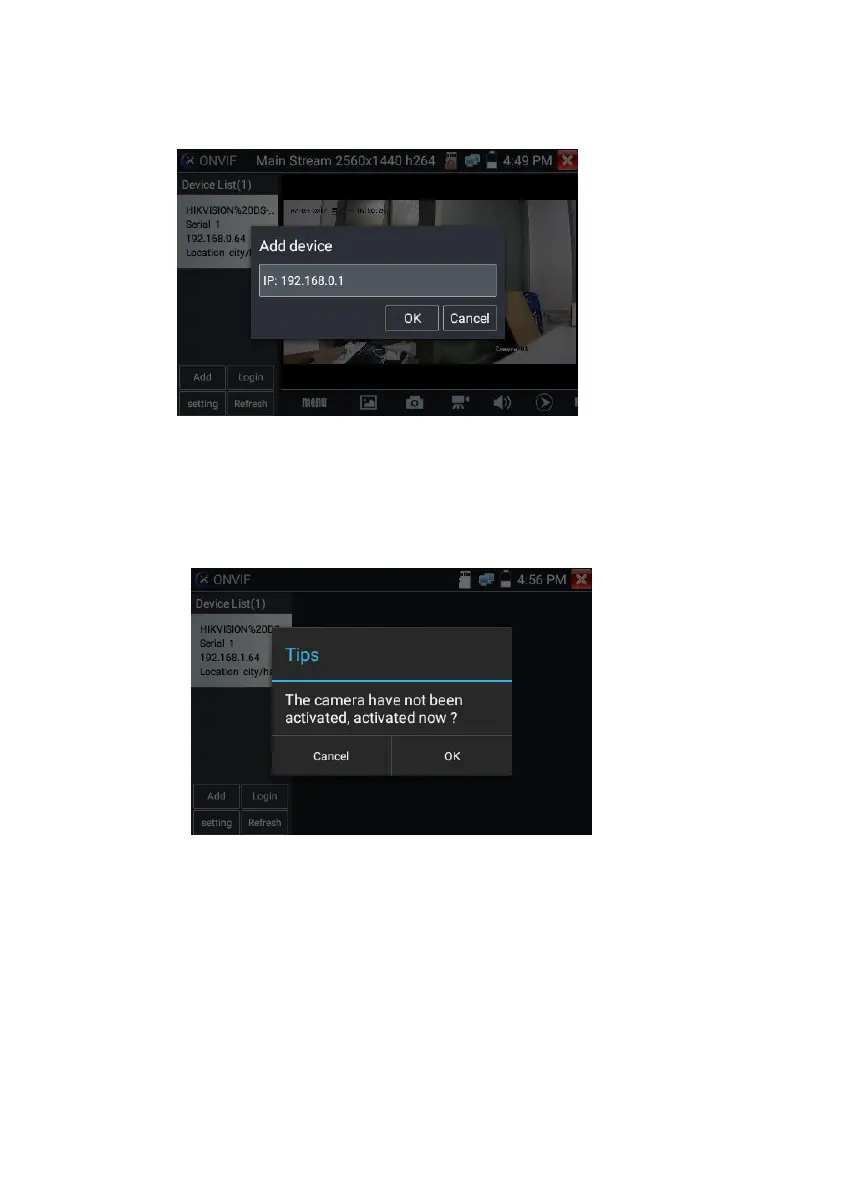
Activate HIKVISION Camera: When connected unactivated HIKVISION Camera, tester can auto
recognized ,And prompt "The camera is not active, you need to activate it", click "OK" to start activate .
Enter a new password for the camera



 To Next Page