Page.27.
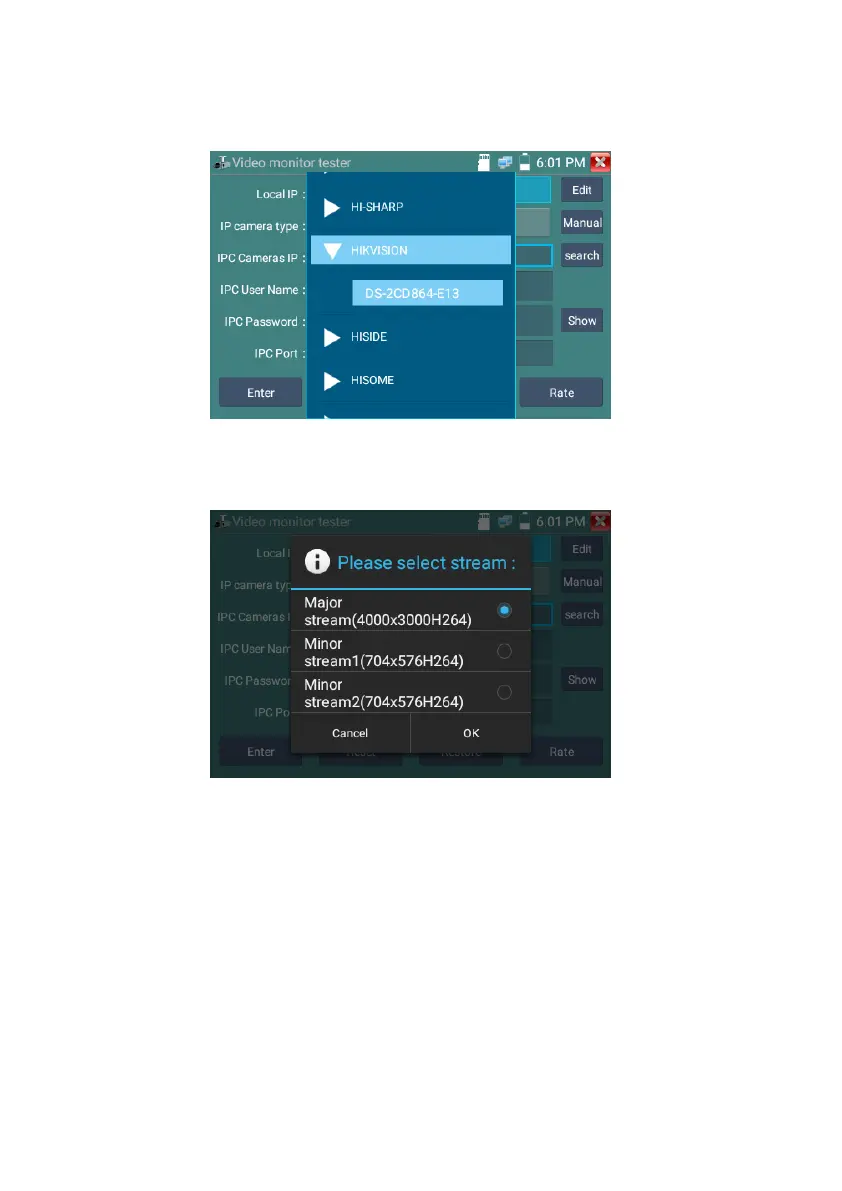
Stream code: When test camera via RTSP, you can select mainstream or sub stream to test (if camera’s
RTSP have not been start or without, it will tip “auto match fail, please witch to manually selecting
IP Camera's IP: Enter the IP camera’s IP address manually or click “Search” to auto-scan for the IP
camera’s IP address. It is better to directly connect the IP camera to the tester so the search results will
only display the camera’s IP address. If the tester is connected to a PoE switch, it will find and display
several IP address
IPC User Name: Enter IP camera’s user name
IPC Password: Enter IP camera’s login password
IPC Port :: When you select the IP camera type, it will default the camera’s port number and doesn’t



 To Next Page