Page.55.
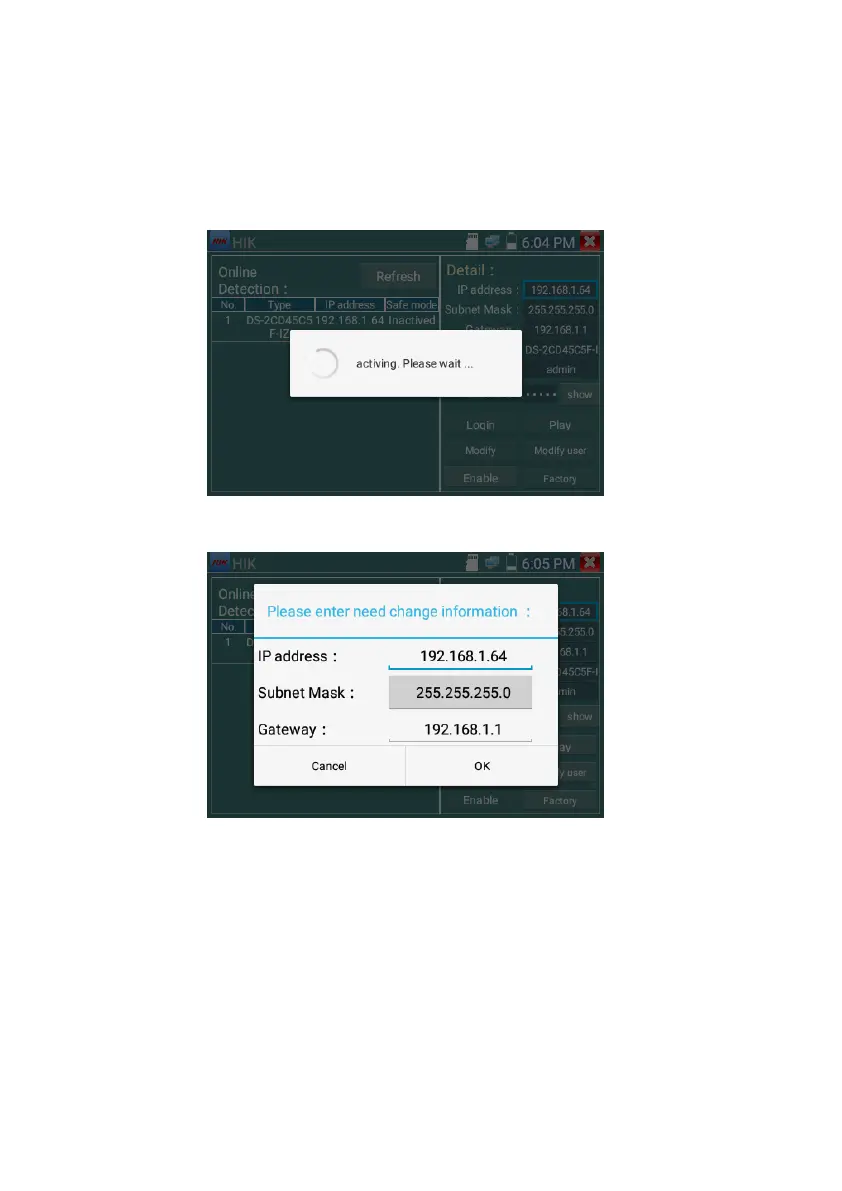
3. Confirm activation
After activating the camera, the program default modifies the camera IP. Activated multiple cameras in
the local area Network, and pop-up menu to modify IP, improve project efficiency.
Play: display image from the camera
Modify network information: Change the camera IP address, subnet mask and gateway etc.
Modify user information: Modify the camera's user name and password.



 To Next Page