Page.68.
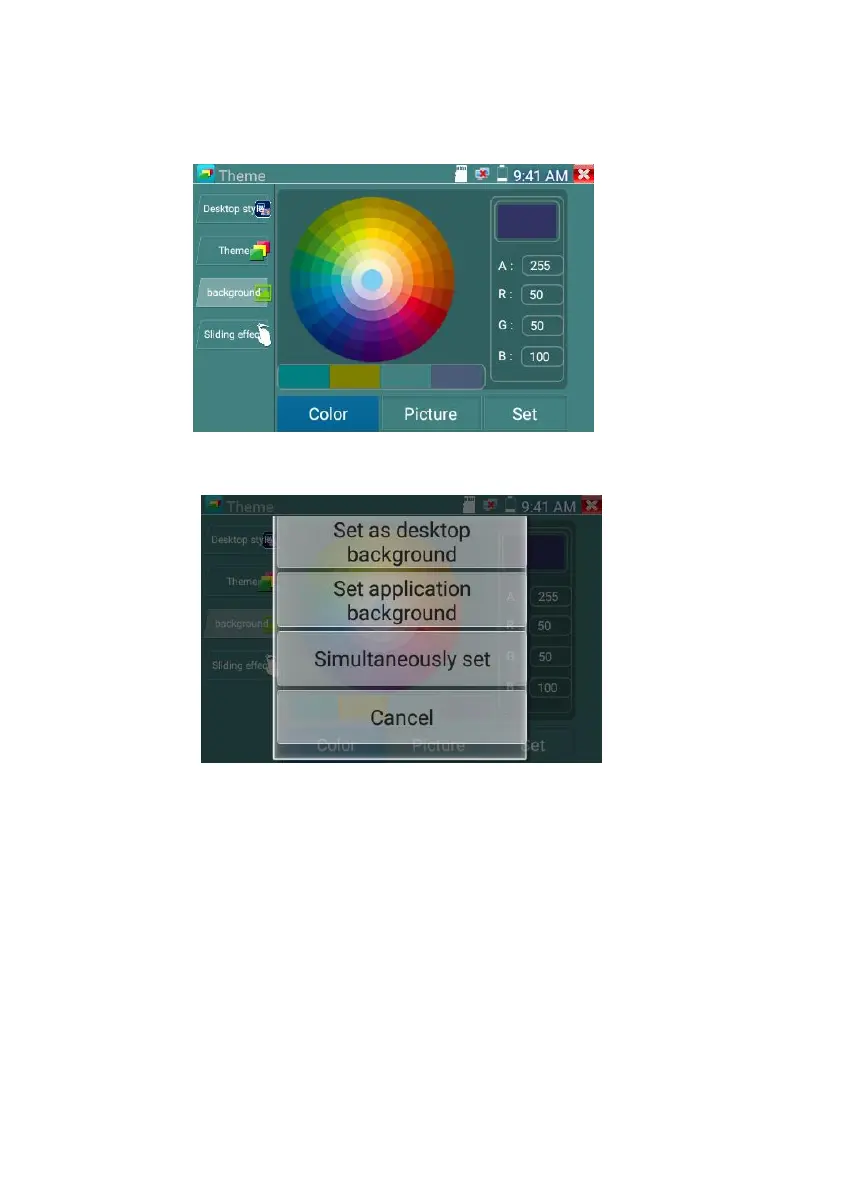
After finished color setting, click “set” to set it as desktop or application background.
Set as desktop background: Setting color as desktop background
Set as application background: Set color as application background
Set at the same time: Setting color as desktop background and application background.
Cancel: Cancel current setting.
Picture:
Click Picture to select one, and set as temporarily background to view setting effect. Click “more” to
select pictures from local file, and click set to set picture as background.



 To Next Page