iPECS eMG800
Hardware Description and Installation Manual Issue 1.8
32
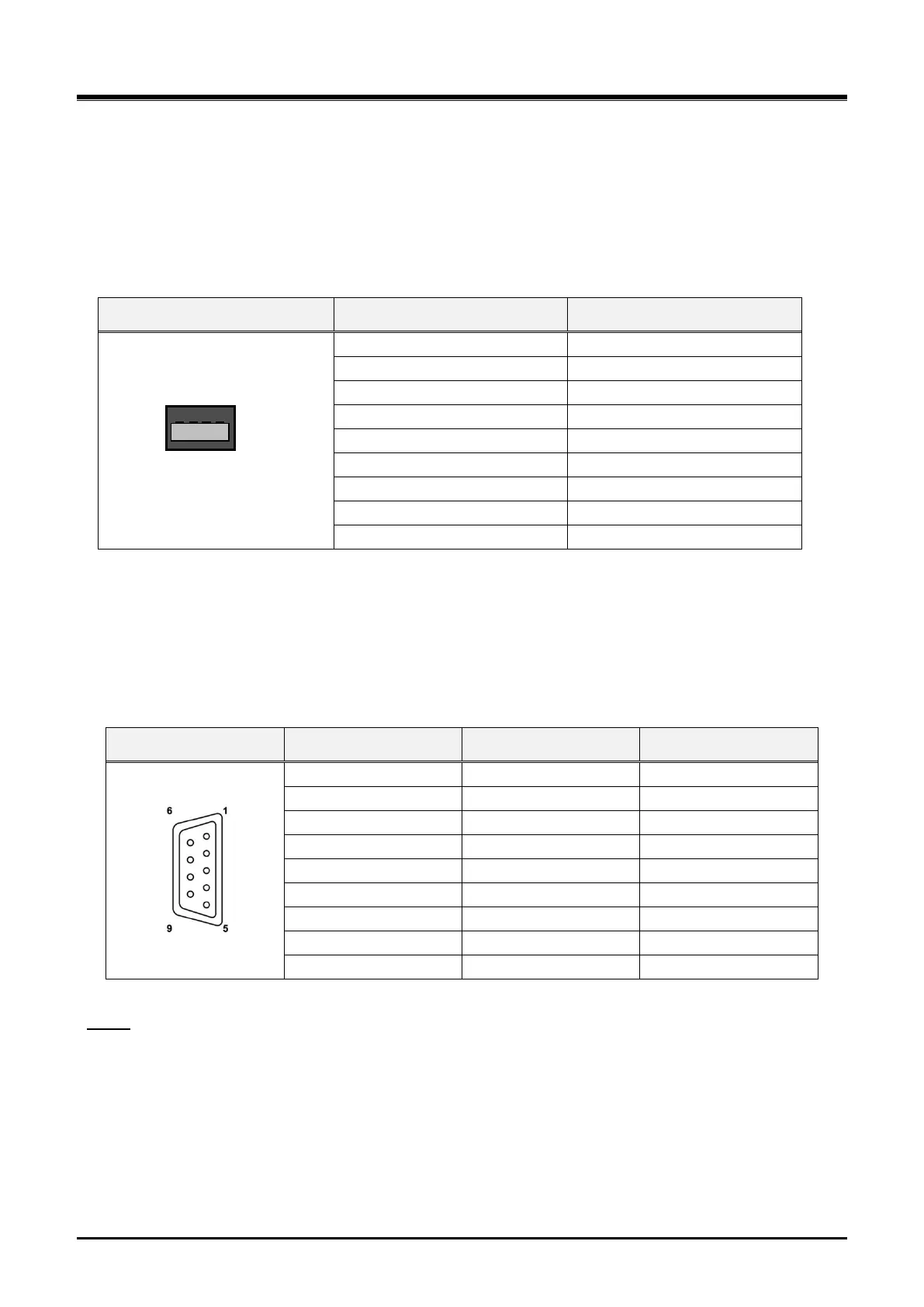
4.2.6 USB Connector
The USB connector is provided to allow a USB1.1 / USB2.0 memory stick or USB3.0 memory stick to connect
to the system for upload and download of the System database.
No wiring of the USB connector is required. For further information on operation of the USB port, refer to the
iPECS eMG800 Administration & Programming manual.
Table 4.2.6-1 USB Connector
4.2.7 RS-232 Monitor Wiring
The RS-232 female connector, which is a DCE (Data Communication Equipment), is used for various output
functions (SMDR, Traffic Reports, etc.) and can be used to access the System database and maintenance
functions through connection to a local PC.
Table 4.2.7-1 RS-232 Monitor Connector
NOTE
The RS-232C port on the MPB does not support hardware flow control.
Referring to the pin-out chart above and the wiring diagram below,
wire the RS-232 port to an appropriate DTE (Data Terminal Equipment),
tag or number wiring for maintenance




 To Next Page