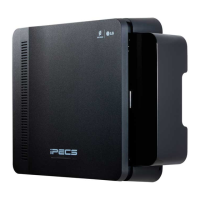
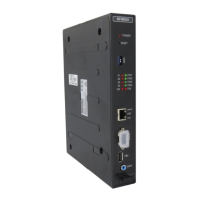
iPECS eMG800
Hardware Description and Installation Manual Issue 1.8
44
4.3.4.1 Switch and LED Functions
Table 4.3.4.1-1 Switch Functions
4.3.4.2 T1-PRIB Installation
Before inserting the T1-PRIB, set SW1 and SW4 Dip switches to match the Telco provided service.
Note that the PRIB supports ESF (Extended Super Frame) framing and B8ZS (Binary 8 Zero Substitution) line
coding only.
The T1-PRIB board can be installed in any universal slot of any KSU; the 1st slot of the BKSU is for the MPB
only.
1) Assure Power is OFF.
2) Slide the PRIB in the guide rails of the desired slot.
3) Tighten thumbscrews to hold the board firmly in place.
4.3.4.3 T1-PRIB Wiring
The T1-PRIB Transmit and Receive pairs are terminated in the PRI/T1 RJ45 connector. A single RJ45 is
provided for the digital line interface.
Before wiring the PRIB, the Ferrite core provided with the T1-PRIB must be installed to reduce EMI (Elector-
Magnetic Interference). To install the Ferrite core,
1) Open the core.



 To Next Page