C
HAPTER
4
| Basic Management Tasks
Setting the System Clock
– 111 –
WEB INTERFACE
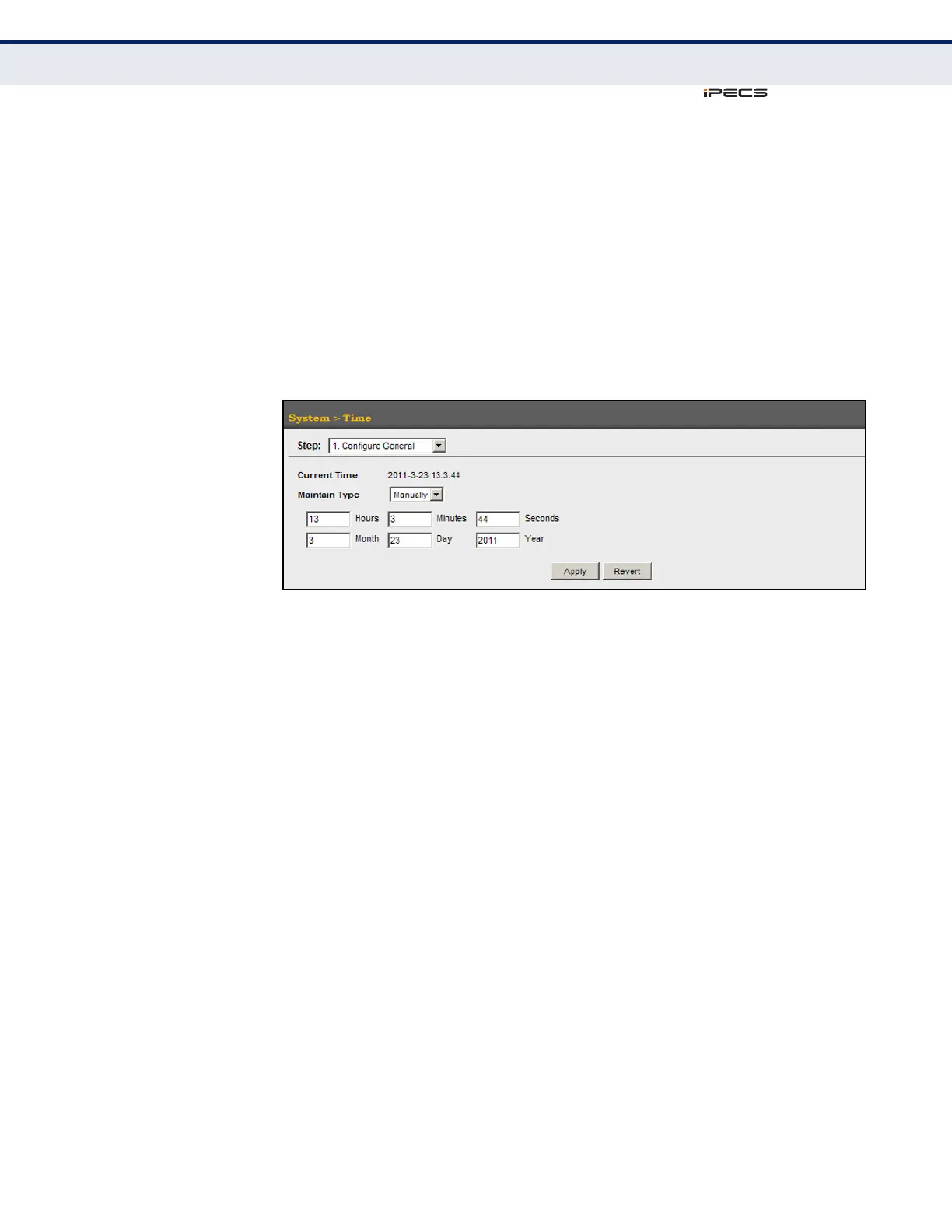
To manually set the system clock:
1. Click System, then Time.
2. Select Configure General from the Action list.
3. Select Manually from the Maintain Type list.
4. Enter the time and date in the appropriate fields.
5. Click Apply
Figure 13: Manually Setting the System Clock
SETTING THE SNTP
POLLING INTERVAL
Use the System > Time (Configure General - SNTP) page to set the polling
interval at which the switch will query the specified time servers.
PARAMETERS
The following parameters are displayed in the web interface:
◆ Current Time – Shows the current time set on the switch.
◆ SNTP Polling Interval – Sets the interval between sending requests
for a time update from a time server. (Range: 16-16384 seconds;
Default: 16 seconds)



 To Next Page