C
HAPTER
4
| Basic Management Tasks
Setting the System Clock
– 112 –
WEB INTERFACE
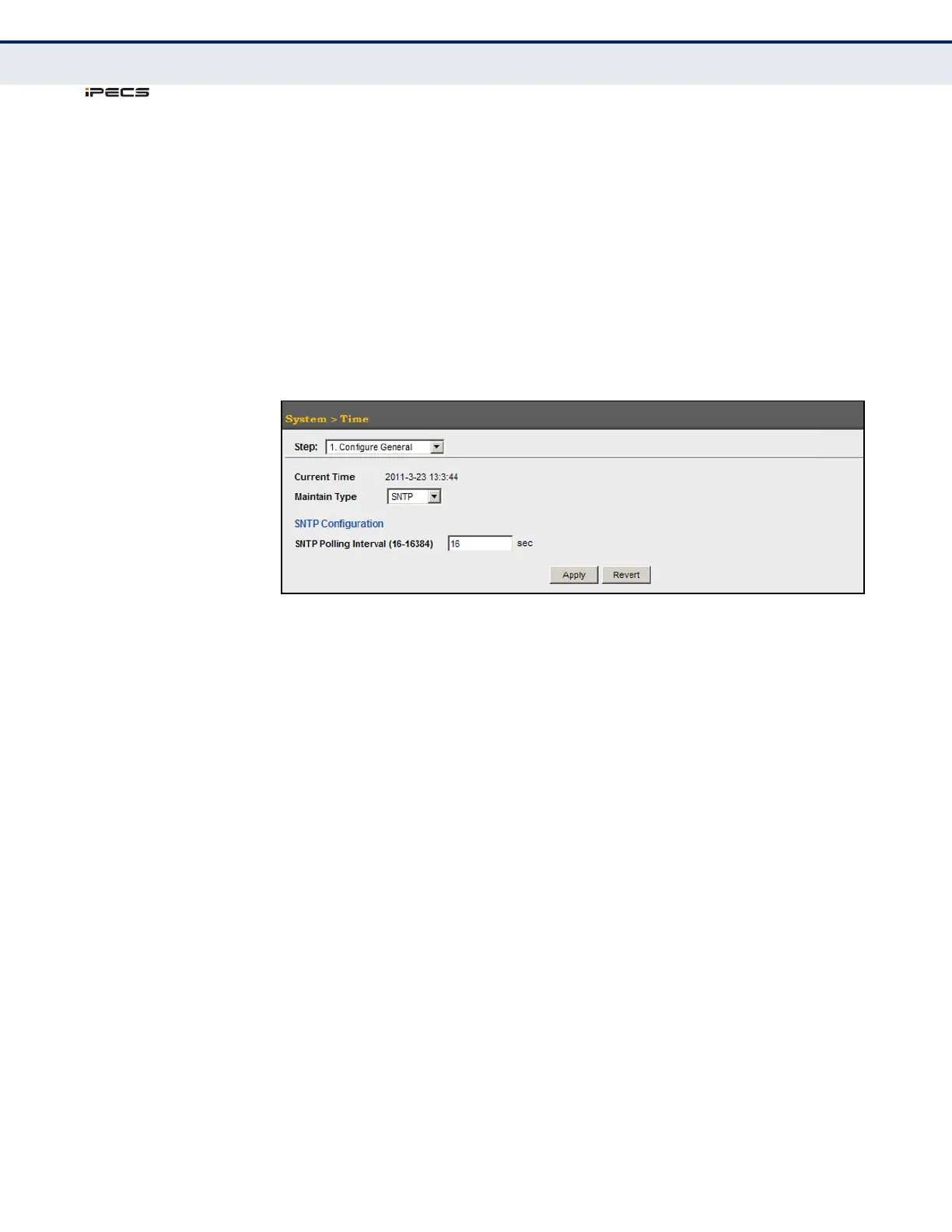
To set the polling interval for SNTP:
1. Click System, then Time.
2. Select Configure General from the Action list.
3. Select SNTP from the Maintain Type list.
4. Modify the polling interval if required.
5. Click Apply
Figure 14: Setting the Polling Interval for SNTP
SPECIFYING SNTP
TIME SERVERS
Use the System > Time (Configure Time Server) page to specify the IP
address for up to three SNTP time servers.
CLI REFERENCES
◆ "sntp server" on page 578
PARAMETERS
The following parameters are displayed in the web interface:
◆ SNTP Server IP Address – Sets the IPv4 or IPv6 address for up to
three time servers. The switch attempts to update the time from the
first server, if this fails it attempts an update from the next server in the
sequence.



 To Next Page