C
HAPTER
4
| Basic Management Tasks
Displaying CPU Utilization
– 120 –
DISPLAYING CPU UTILIZATION
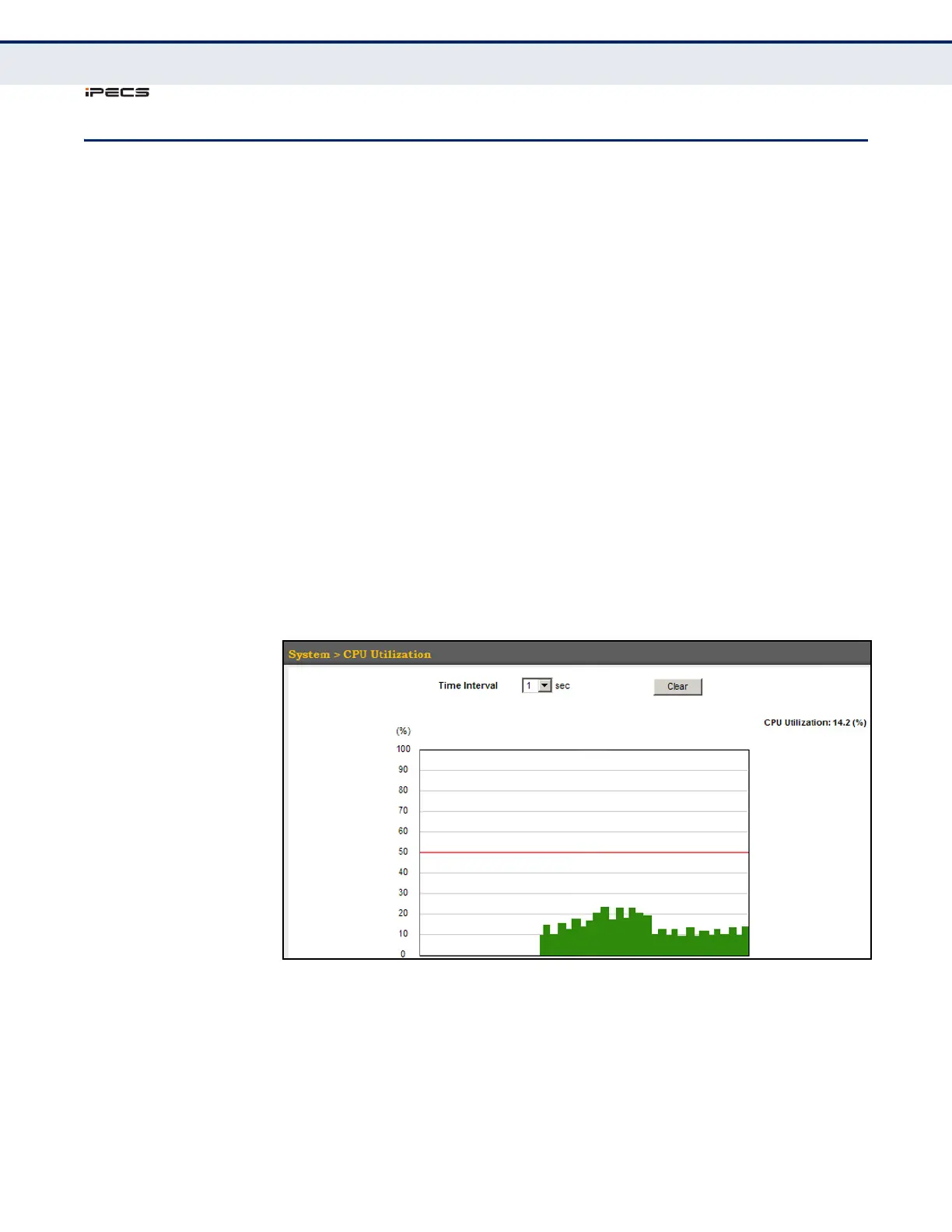
Use the System > CPU Utilization page to display information on CPU
utilization.
CLI REFERENCES
◆ "show process cpu" on page 540
PARAMETERS
The following parameters are displayed in the web interface:
◆ Time Interval – The interval at which to update the displayed
utilization rate. (Options: 1, 5, 10, 30, 60 seconds; Default: 1 second)
◆ CPU Utilization – CPU utilization over specified interval.
WEB INTERFACE
To display CPU utilization:
1. Click System, then CPU Utilization.
2. Change the update interval if required. Note that the interval is
changed as soon as a new setting is selected.
Figure 20: Displaying CPU Utilization



 To Next Page