C
HAPTER
4
| Basic Management Tasks
Displaying Memory Utilization
– 121 –
DISPLAYING MEMORY UTILIZATION
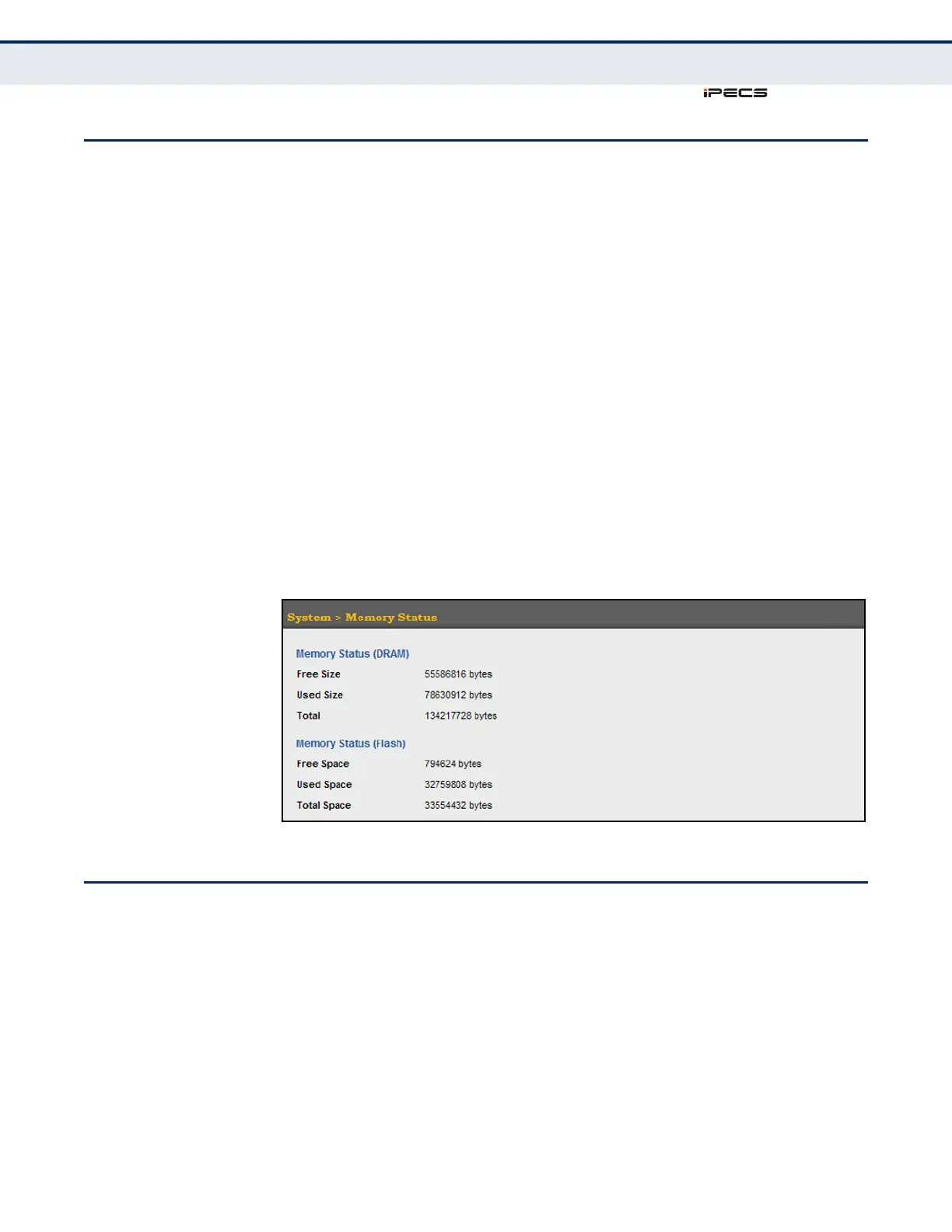
Use the System > Memory Status page to display memory utilization
parameters.
CLI REFERENCES
◆ "show memory" on page 539
PARAMETERS
The following parameters are displayed in the web interface:
◆ Free Size – The amount of memory currently free for use.
◆ Used Size – The amount of memory allocated to active processes.
◆ Total – The total amount of system memory.
WEB INTERFACE
To display memory utilization:
1. Click System, then Memory Status.
Figure 21: Displaying Memory Utilization
RESETTING THE SYSTEM
Use the System > Reload menu to restart the switch immediately, at a
specified time, after a specified delay, or at a periodic interval.
CLI REFERENCES
◆ "reload (Privileged Exec)" on page 534
◆ "reload (Global Configuration)" on page 530
◆ "show reload" on page 535
◆ “copy running-config startup-config” on page 548



 To Next Page