C
HAPTER
4
| Basic Management Tasks
Resetting the System
– 123 –
■
Monthly
- Day of the month at which to reload. (Range: 1-31)
Save Current Settings
◆ Save – Click this button to save the current configuration settings.
Use Factory Default Settings and Reboot
◆ Factory Default Settings & Reboot – Click this button to restore the
factory default settings and reboot the system.
WEB INTERFACE
To restart the switch:
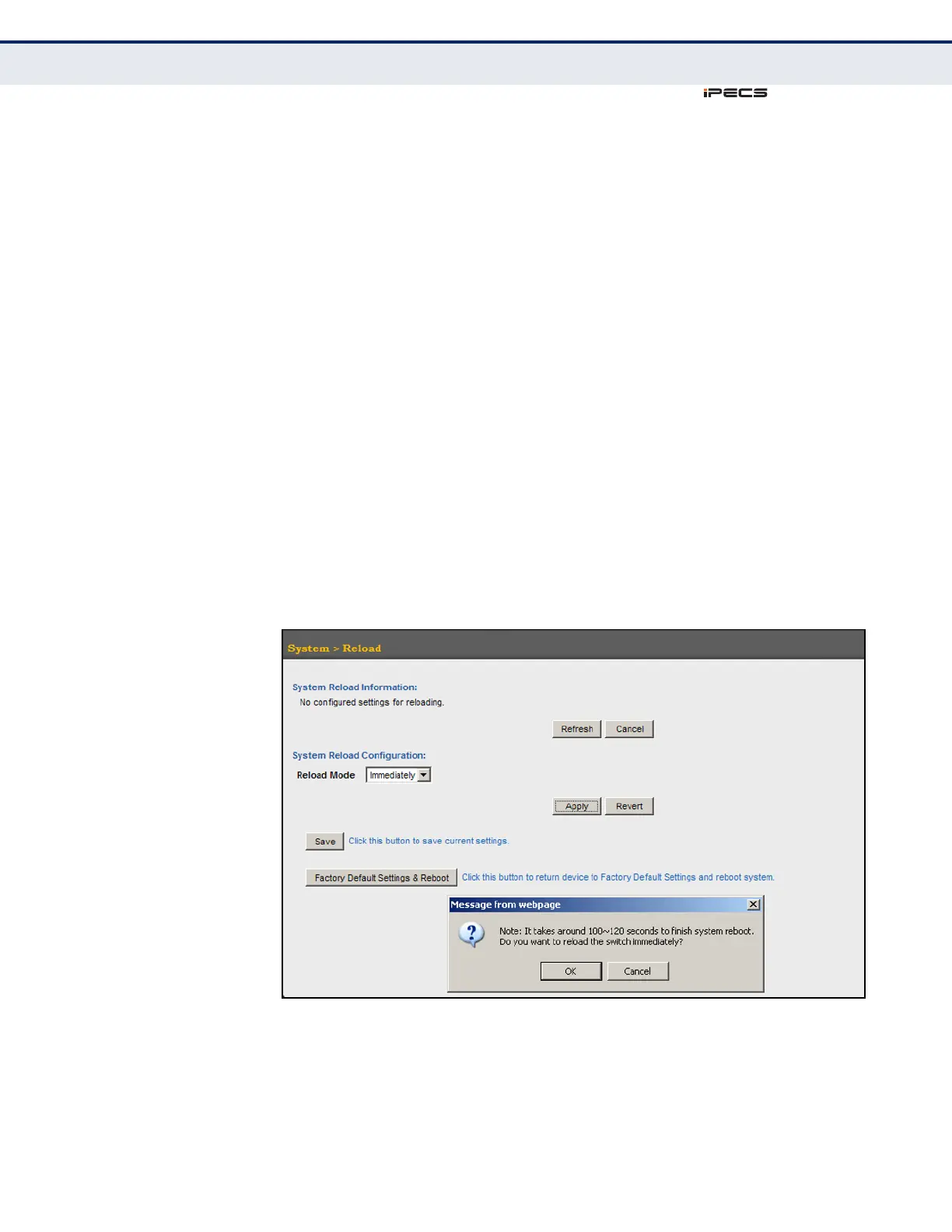
1. Click System, then Reload.
2. Select the required reload mode.
3. For any option other than to reset immediately, fill in the required
parameters
4. Click Apply.
5. When prompted, confirm that you want reset the switch.
Figure 22: Restarting the Switch (Immediately)



 To Next Page