C
HAPTER
5
| Interface Configuration
Trunk Configuration
– 151 –
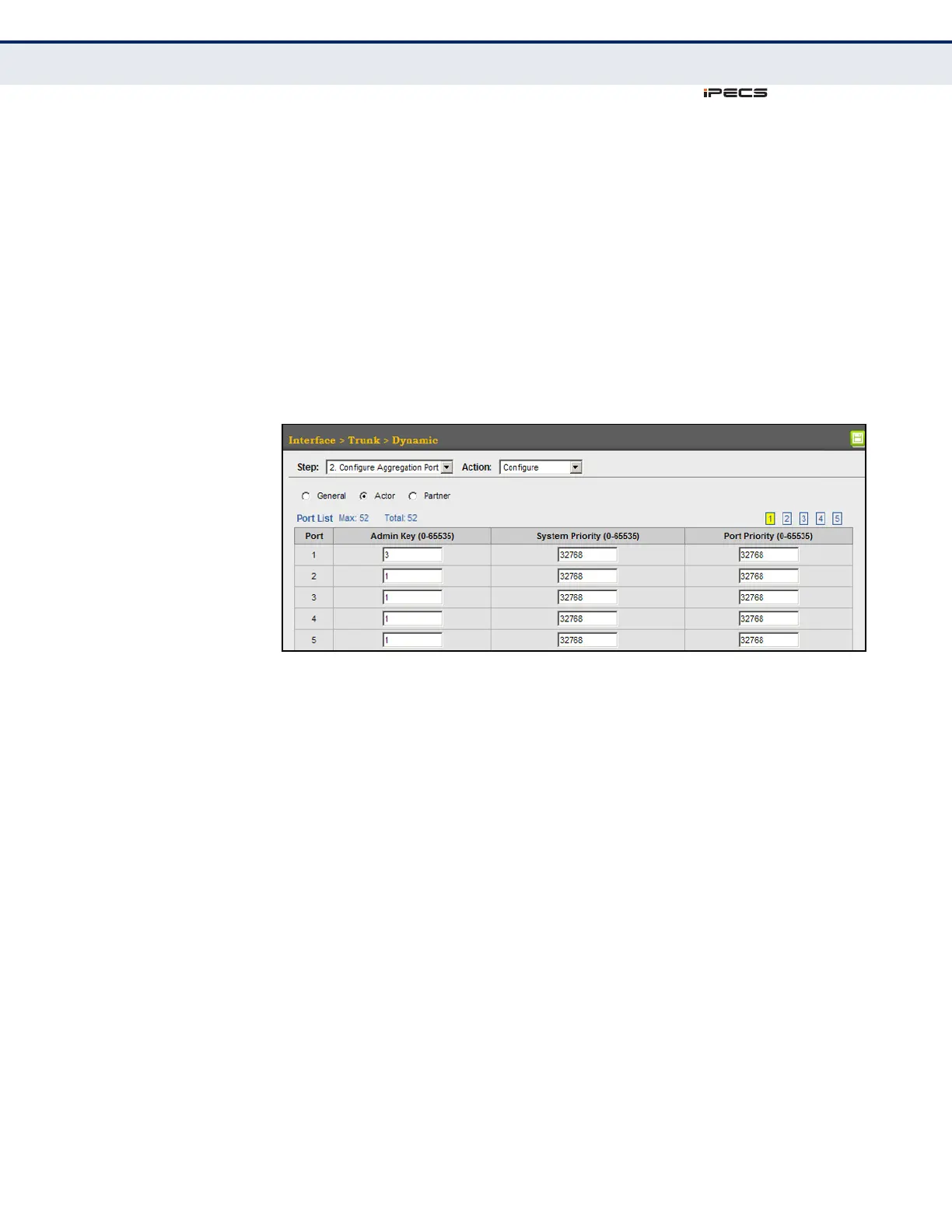
To configure LACP parameters for group members:
1. Click Interface, Trunk, Dynamic.
2. Select Configure Aggregation Port from the Step list.
3. Select Configure from the Action list.
4. Click Actor or Partner.
5. Configure the required settings.
6. Click Apply.
Figure 46: Configuring LACP Parameters on a Port



 To Next Page