C
HAPTER
6
| VLAN Configuration
Configuring IP Subnet VLANs
– 191 –
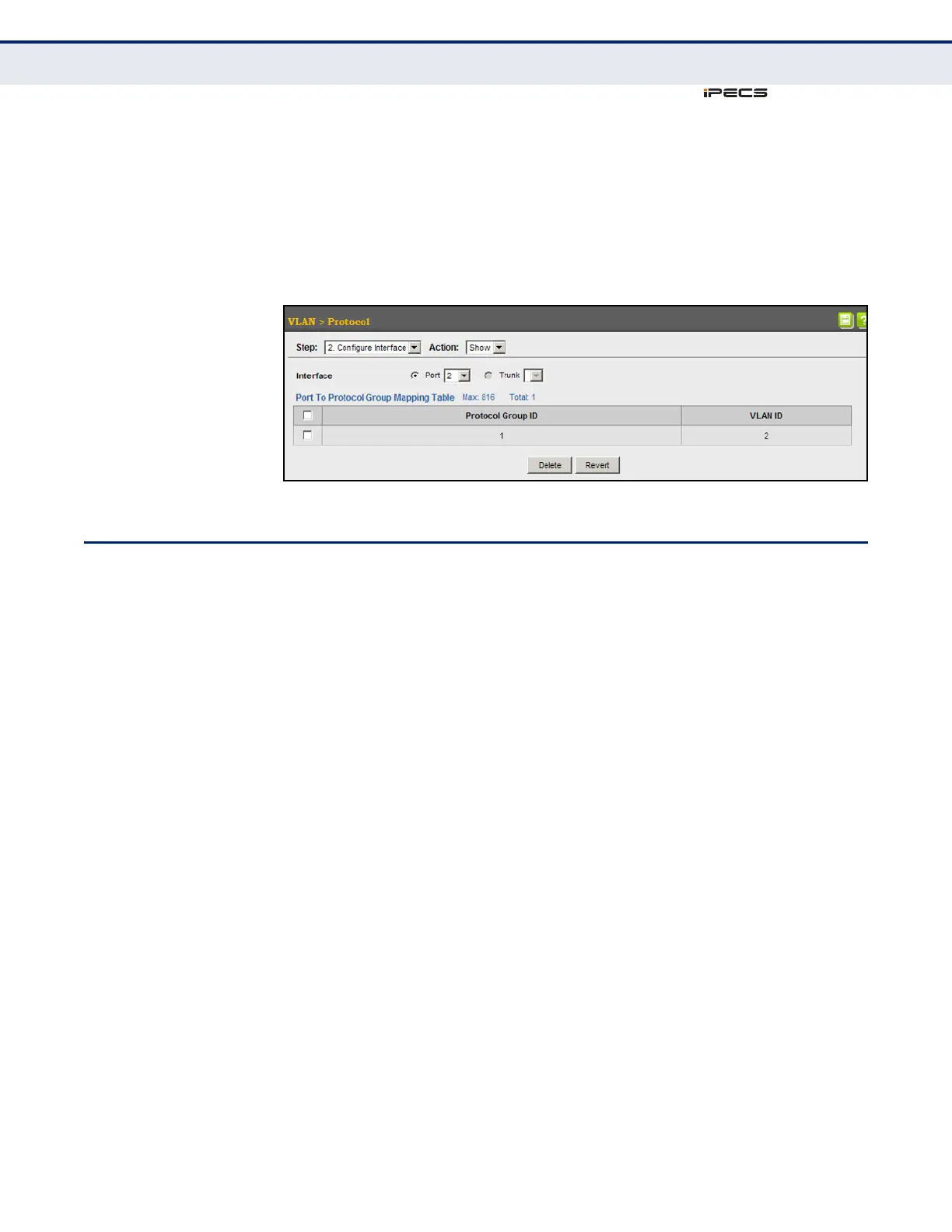
To show the protocol groups mapped to a port or trunk:
1. Click VLAN, Protocol.
2. Select Configure Interface from the Step list.
3. Select Show from the Action list.
Figure 77: Showing the Interface to Protocol Group Mapping
CONFIGURING IP SUBNET VLANS
Use the VLAN > IP Subnet page to configure IP subnet-based VLANs.
When using port-based classification, all untagged frames received by a
port are classified as belonging to the VLAN whose VID (PVID) is
associated with that port.
When IP subnet-based VLAN classification is enabled, the source address of
untagged ingress frames are checked against the IP subnet-to-VLAN
mapping table. If an entry is found for that subnet, these frames are
assigned to the VLAN indicated in the entry. If no IP subnet is matched, the
untagged frames are classified as belonging to the receiving port’s VLAN ID
(PVID).
CLI REFERENCES
◆ "Configuring IP Subnet VLANs" on page 868
COMMAND USAGE
◆ Each IP subnet can be mapped to only one VLAN ID. An IP subnet
consists of an IP address and a mask.
◆ When an untagged frame is received by a port, the source IP address is
checked against the IP subnet-to-VLAN mapping table, and if an entry
is found, the corresponding VLAN ID is assigned to the frame. If no
mapping is found, the PVID of the receiving port is assigned to the
frame.
◆ The IP subnet cannot be a broadcast or multicast IP address.



 To Next Page