C
HAPTER
6
| VLAN Configuration
Protocol VLANs
– 190 –
◆ Protocol Group ID – Protocol Group ID assigned to the Protocol VLAN
Group. (Range: 1-2147483647)
◆ VLAN ID – VLAN to which matching protocol traffic is forwarded.
(Range: 1-4093)
WEB INTERFACE
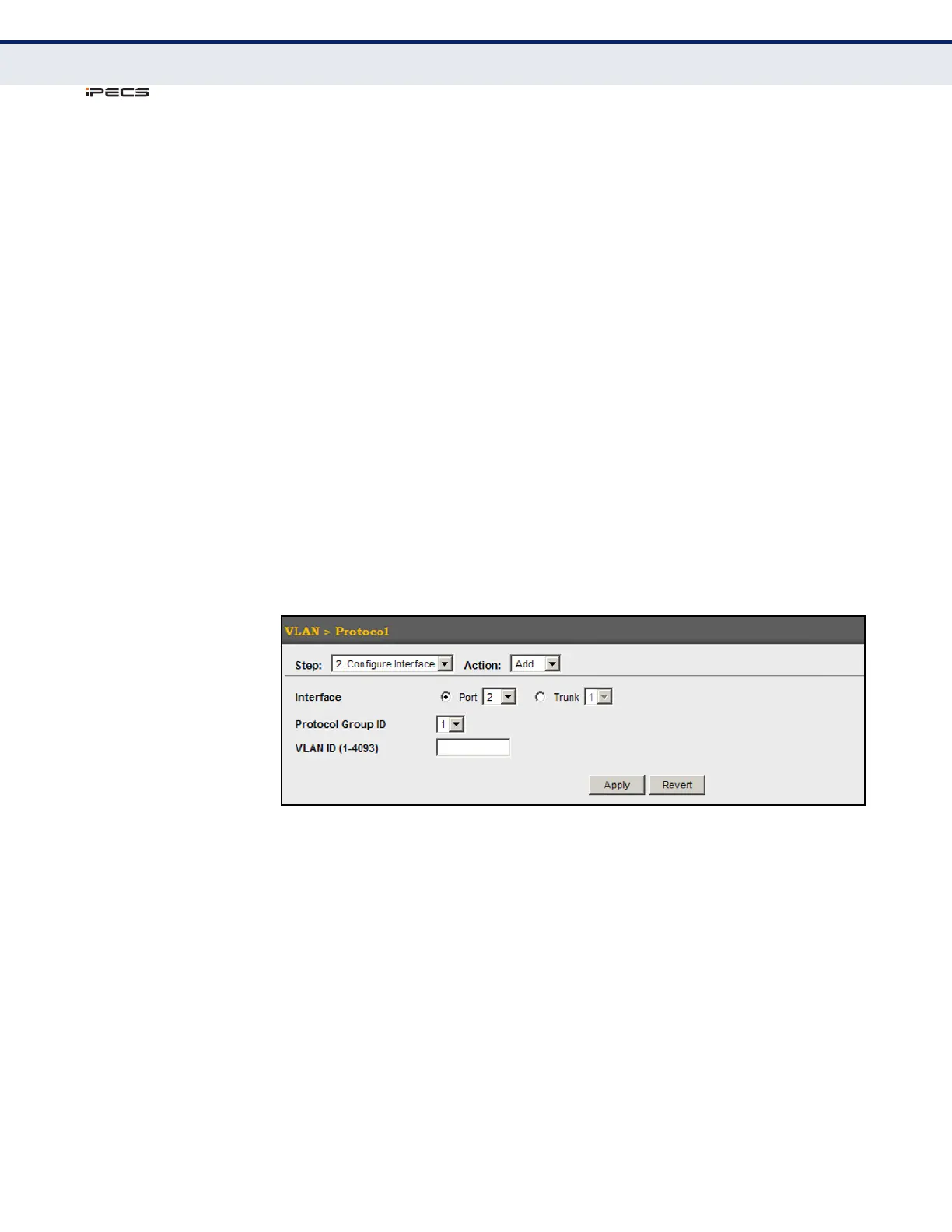
To map a protocol group to a VLAN for a port or trunk:
1. Click VLAN, Protocol.
2. Select Configure Interface from the Step list.
3. Select Add from the Action list.
4. Select a port or trunk.
5. Enter the identifier for a protocol group.
6. Enter the corresponding VLAN to which the protocol traffic will be
forwarded.
7. Click Apply.
Figure 76: Assigning Interfaces to Protocol VLANs



 To Next Page