C
HAPTER
11
| Quality of Service
Attaching a Policy Map to a Port
– 269 –
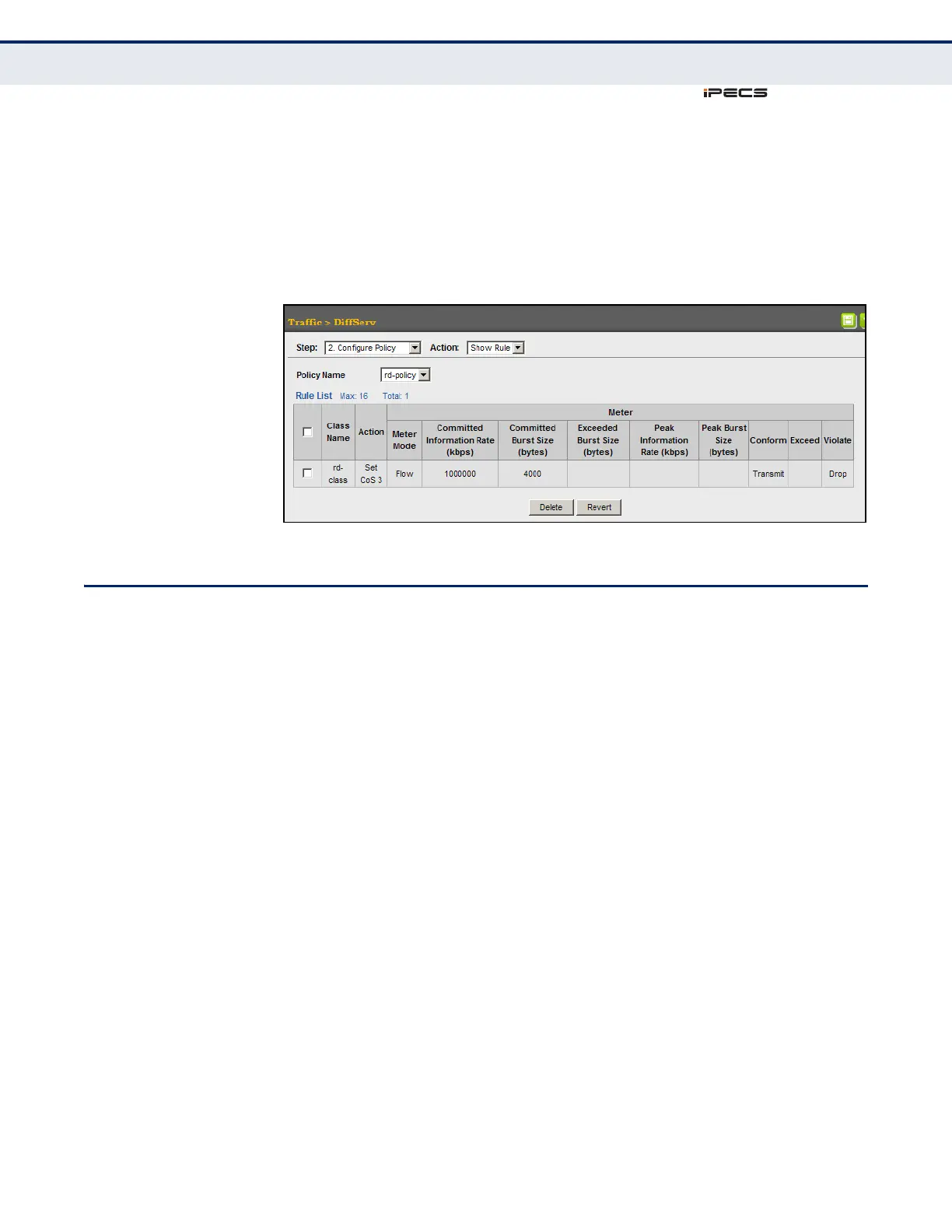
To show the rules for a policy map:
1. Click Traffic, DiffServ.
2. Select Configure Policy from the Step list.
3. Select Show Rule from the Action list.
Figure 132: Showing the Rules for a Policy Map
ATTACHING A POLICY MAP TO A PORT
Use the Traffic > DiffServ (Configure Interface) page to bind a policy map
to an ingress port.
CLI REFERENCES
◆ "Quality of Service Commands" on page 893
COMMAND USAGE
◆ First define a class map, define a policy map, and bind the service
policy to the required interface.
◆ Only one policy map can be bound to an interface.
◆ The switch does not allow a policy map to be bound to an interface for
egress traffic.
PARAMETERS
These parameters are displayed in the web interface:
◆ Port – Specifies a port.
◆ Ingress – Applies the selected rule to ingress traffic.



 To Next Page