LIP-8040E Gigabit Phone User Guide
18
2.4 Using a Serial DSS
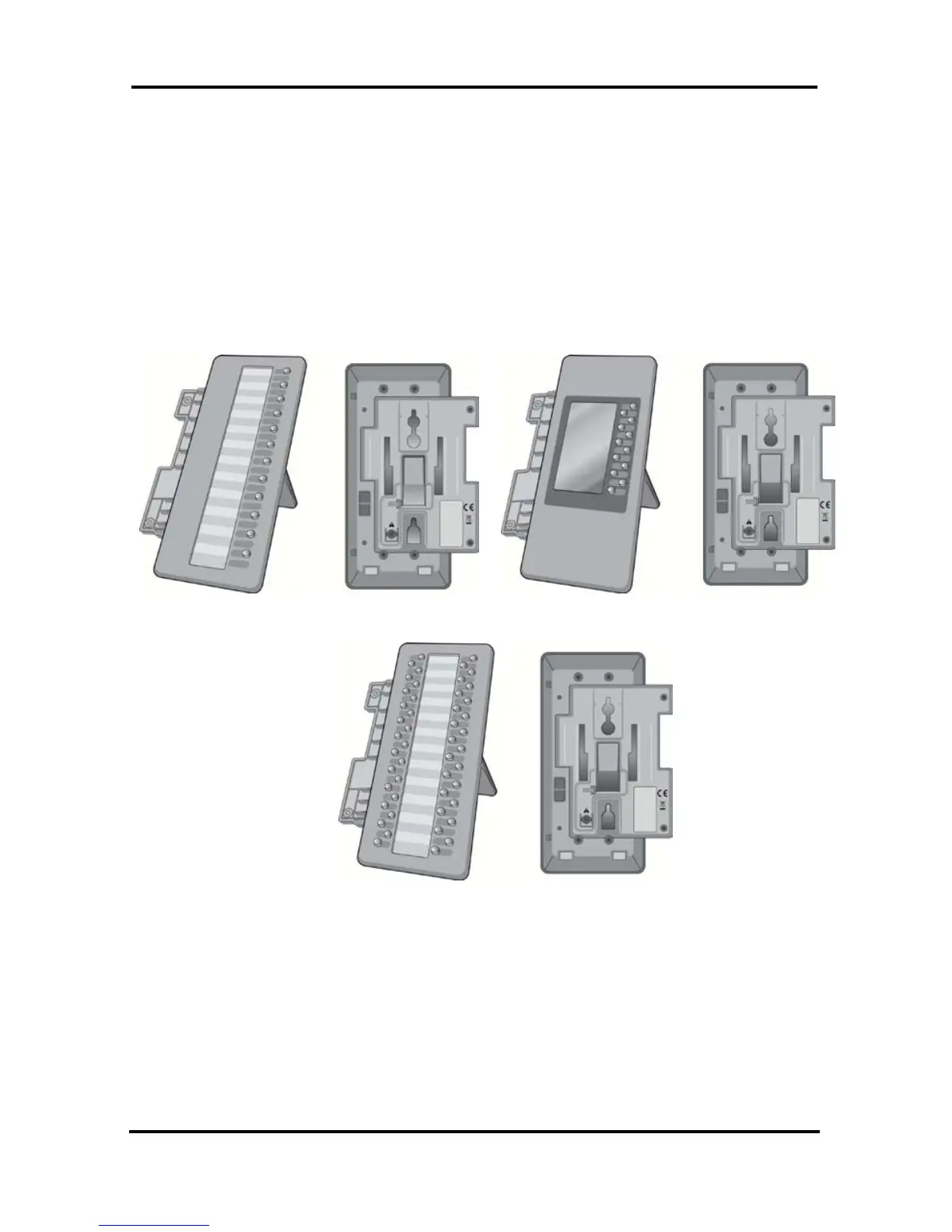
The LIP-8012DSS, LIP-8012LSS, and LIP-8048DSS
can be connected with the LIP-8040E using the RS-232
cable. Be sure to verify the serial DSS and LSS
capacities with the iPECS System to ensure usability
(refer to iPECS Manual). The following graphics show
the front and rear view of each.
NOTE—A Linked Pair slave station cannot use a
serial DSS. iPECS SBG-1000 does not support serial
DSS.
LIP-8012DSS LIP-8012LDSS



 To Next Page