9
B. Use an upside-down ceiling mount
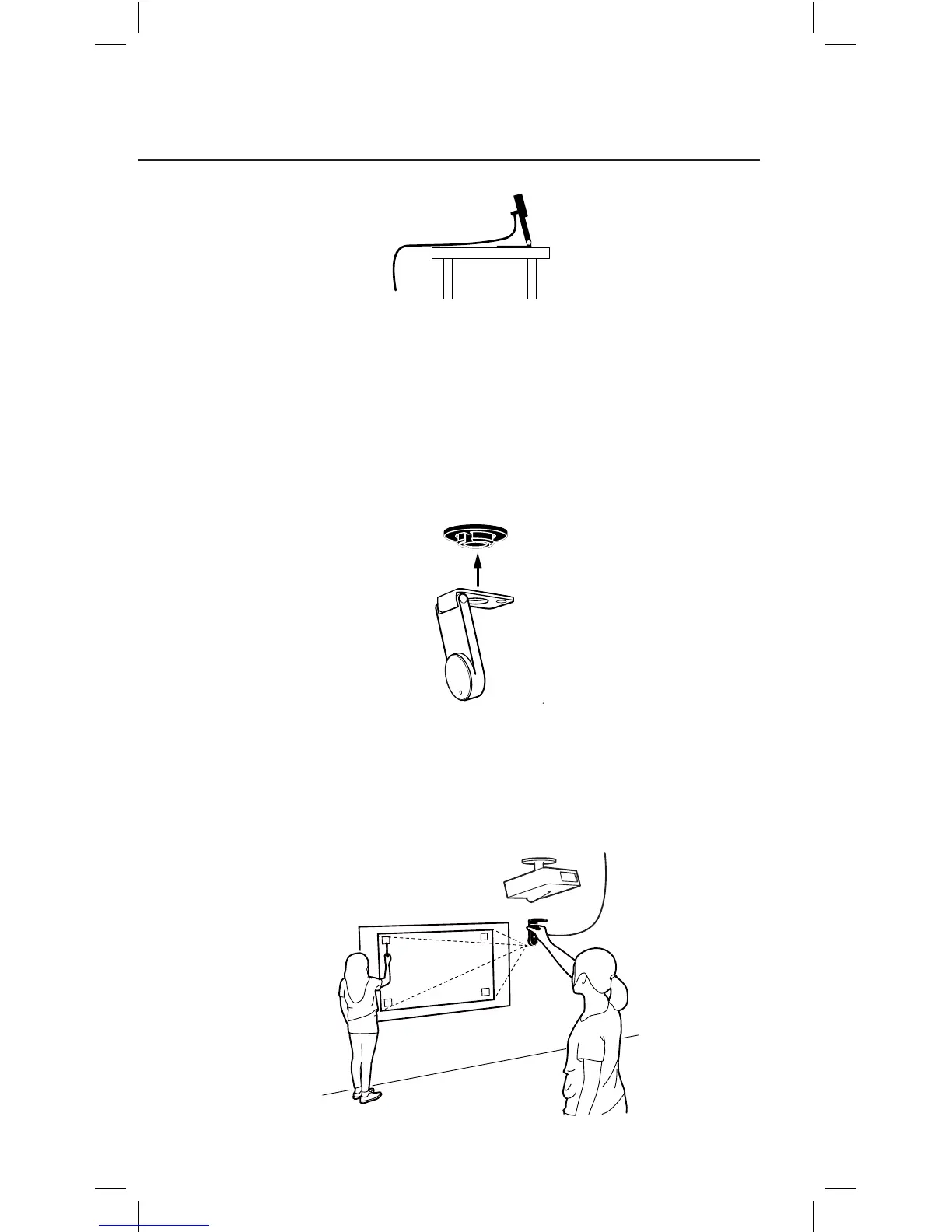
The Sensor Cam can be mounted upside-down onto the ceiling or
ceiling-mounted projector. To do so:
1. Align the hole on the base of the Sensor Cam with the circular peg of
the ceiling mount and push the Sensor Cam in. You will hear a slight
click when the Sensor Cam has settled into position.
2. Before affixing the mount to the ceiling, hold the Sensor Cam in an
area just below (by a few inches) where you intend to mount the
projector. Run the Sensor Cam position Diagnosis (see Page 15) with
the Sensor Cam in this position to ensure maximum accuracy.



 To Next Page