022
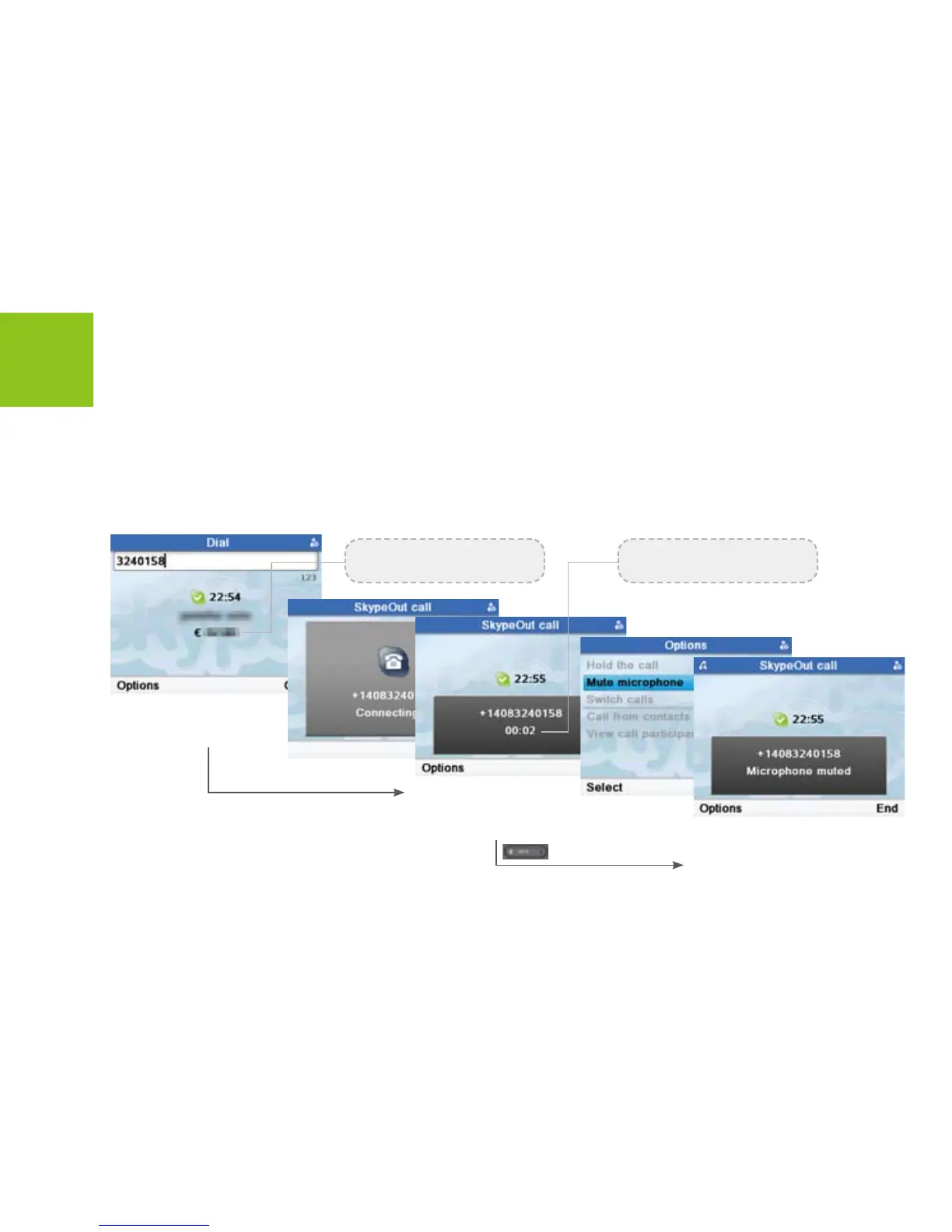
Make a SkypeOut call
SkypeOut numbers must be entered in the following format:
“00” + “country code” + “area code” + “number”
Skype Calling
In standby mode, press
dial digits to enter a
number. Press [Call] to
start a call.
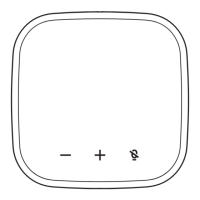
To mute microphone,
Press <Options> to enter
next menus. Or press
[Mute] button to mute.
To unmute microphone, Press
<Options> to enter next menus.
Or press [Mute] button again to
unmute.
You need to have Skype Credit
to make SkypeOut calls.
The call timer displays the talk
time of your call.



 To Next Page