024
Answering a call
When you receive a call, the phone rings and
displays the incoming call image. Simply lift up
the handset or press
to answer the call.
Rejecting a Skype call
Press to reject the call.
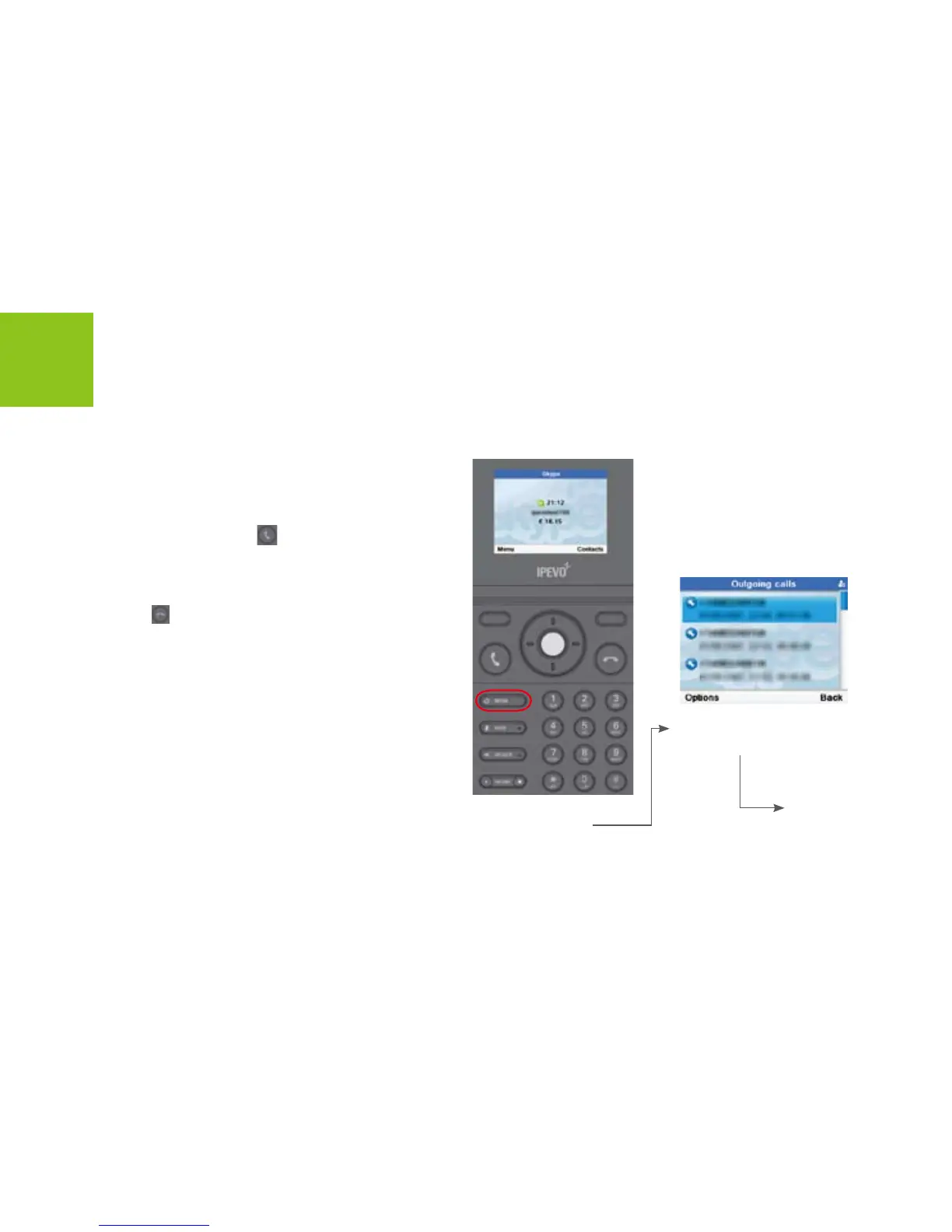
Redialing the last number
Skype Calling
Press [Redial] button
to open <Outgoing
calls> menus.
Use [Up] or [Down] button
to scroll to a number.
Press [Call] to start a call.
Press [End] to end
the call.



 To Next Page