006
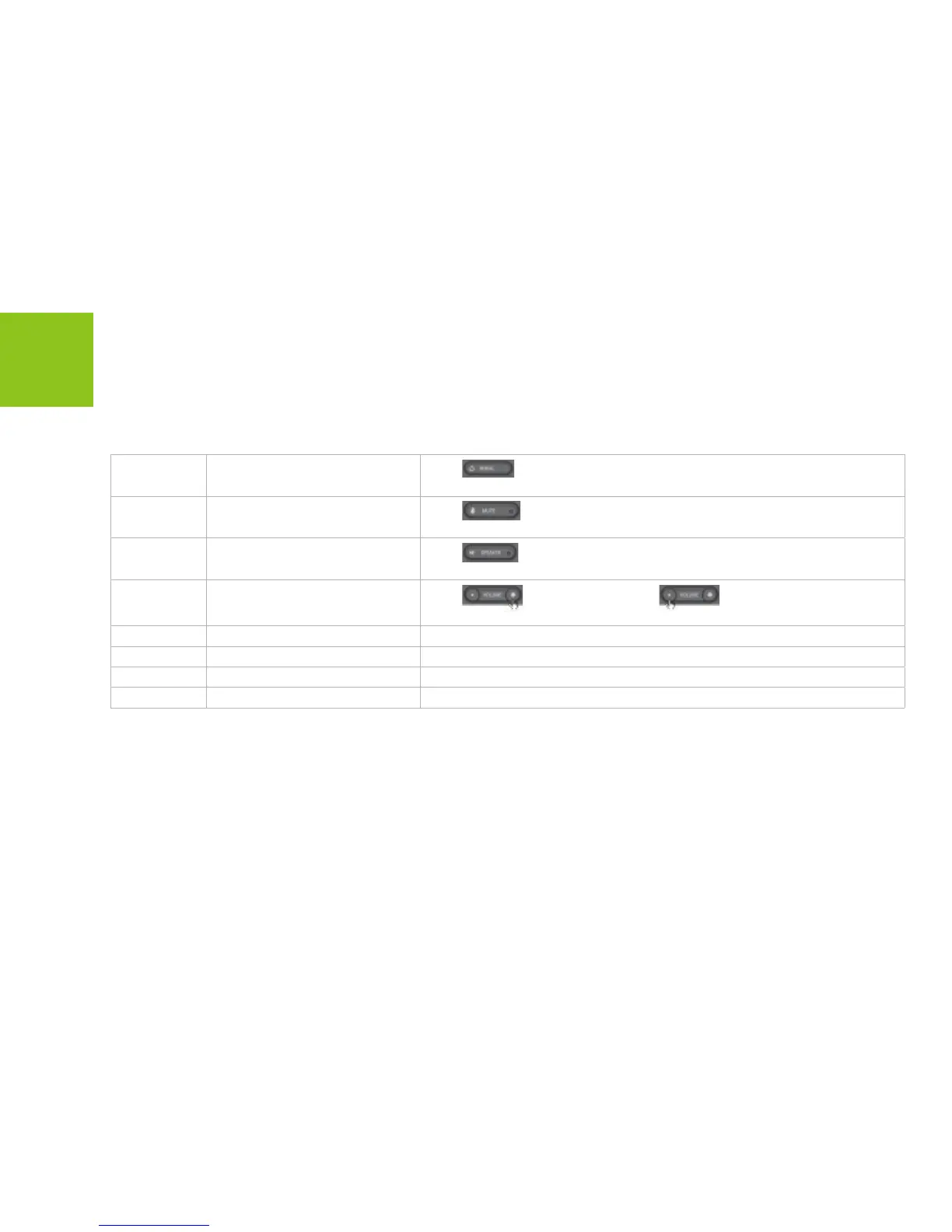
9 Redial
Press
to go to the Outgoing calls menu. Select from the lists and
dial.
10 Mute
Press
to turn-off the microphone. To resume the conversation
press again.
11 Speaker
Press
to activate hands-free speakerphone mode. Press again to
return to handset mode.
12
Volume
Press
to increase or press
to decrease the ear
speaker volume during a call.
13
Power connector Connect to the power adapter
14
Handset jack Connect the PHONE handset
15
Ethernet jack (WAN) To connect the PHONE to your gateway, router, or modem (ADSL or cable).
16 PC-Out Ethernet jack (LAN) To connect the PC.
Getting Started



 To Next Page