EasyManua.ls Logo

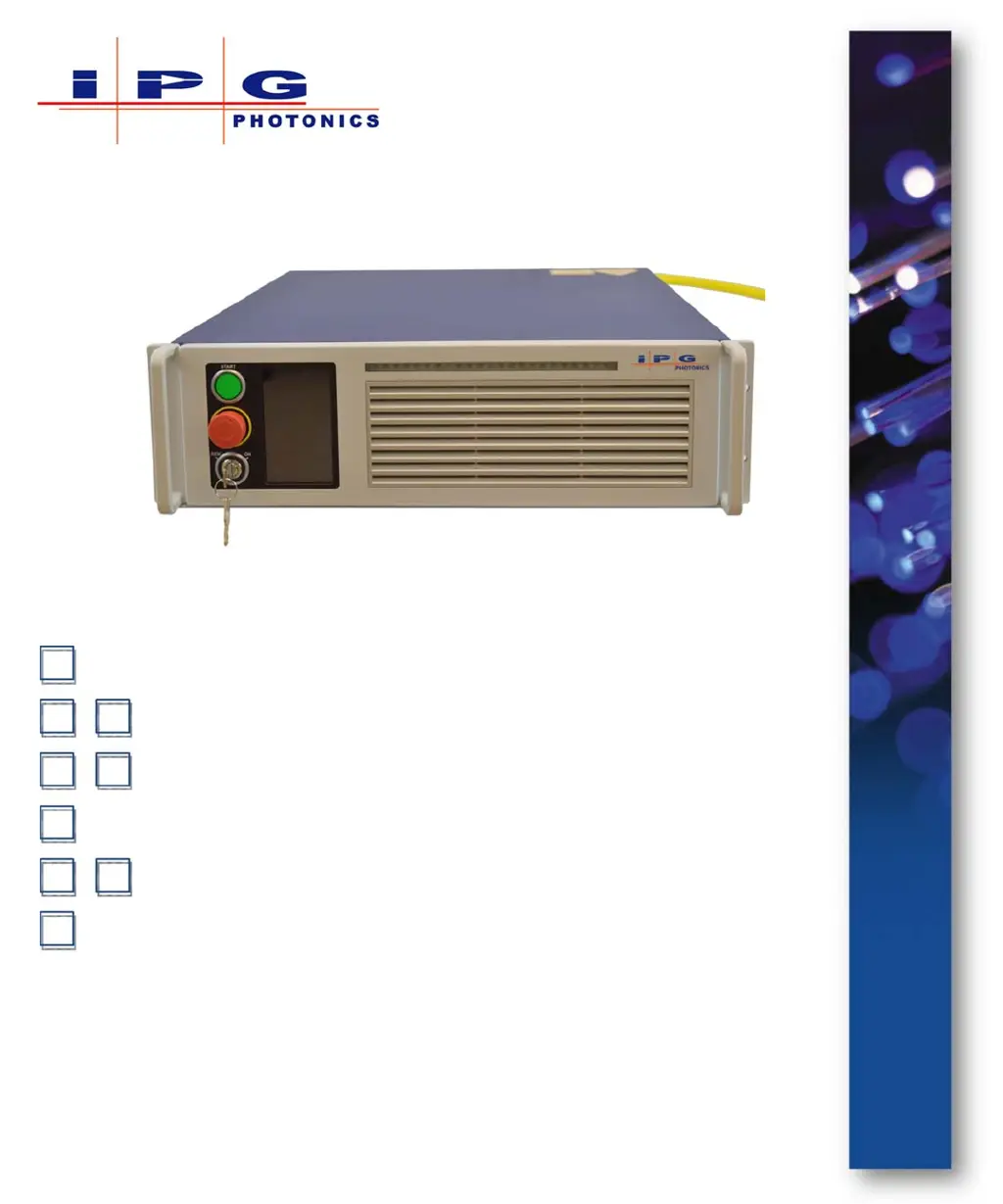
IPG Photonics YLR-700 - User Manual

IPG Photonics YLR-700
188 pages
Print Icon
To Next Page IconTo Next Page
Loading...
HP Switch Software
Part Number: P21-010106, YLR-Series SLED 3.0
Published: April 2015
Revision: B
DCO: 956
Management and Configuration Guide
YLR-Series User Guide
and Configuration Guide

Table of Contents

Questions and Answers

  • M
    Melissa WestSep 10, 2025
    What to do if IPG Photonics Measuring Instruments show Pulse Too Short error?
    • J
      Julie DavidsonSep 10, 2025
      If your IPG Photonics Measuring Instruments display a 'Pulse Too Short' error, click Warning in the touch-screen display and read the warning message. Try to reset the error. If it appears again, contact IPG Photonics for assistance.
  • W
    warrendeniseSep 12, 2025
    What to do if IPG Photonics Measuring Instruments show Critical Error?
    • D
      David McgeeSep 12, 2025
      If your IPG Photonics Measuring Instruments show a 'Critical Error', it means that the system has detected an error that is considered critical. Neither reset command (“RERR”) nor restart of the device clears this error. Contact IPG Photonics for assistance and be ready to provide the Module Error Code (RMEC command).
  • J
    Joshua ReidSep 14, 2025
    How to fix Optical Interlock error on IPG Photonics Measuring Instruments?
    • D
      davidthomasSep 14, 2025
      If the Optical Interlock error appears on your IPG Photonics Measuring Instruments, it indicates that either the delivery fiber cable is mechanically damaged or the output connector is not properly connected to an appropriate optical head. Send the reset error command (“RERR”). If the message persists, contact a representative from IPG Photonics for assistance.
  • M
    Michael GrantSep 16, 2025
    Why do IPG Photonics Measuring Instruments show Low Temperature error?
    • S
      Shawn WilliamsSep 16, 2025
      If your IPG Photonics Measuring Instruments display a 'Low Temperature' error, it means the case temperature of the laser is too low. This message will disappear as soon as the case temperature of the laser module rises into the operating range.

Summary

Overview and Safety

Safety Information and Instructions

Explains safety symbols, conventions, general instructions, and optical/electrical safety.

Laser Classification and Labels

Details laser classification standards and the location of safety labels on units.

Using Your Device

Unpacking and Initial Setup

Guides on unpacking, initial power-up, connecting power, and safety circuits.

Operation Control Modes

Describes Local/Remote modes, pulse modes, and touch-screen operation.

Pulse Modes and Touch-Screen Operation

Explains pulse modes (CW, QCW) and touch-screen interface functions.

Computer Interface and Commands

RS-232, Ethernet Configuration, and Commands

Covers RS-232/Ethernet setup and lists interface commands for laser control.

Pulse Shaping

Pulse Shaper Software Installation and Configuration

Step-by-step guide for installing and configuring the Pulse Shaper software.

Shape, Sequence Editing, and Pulse Activation

Details editing shapes, sequences, and activating pulses via software or display.

Troubleshooting

Error Messages and Solutions

Lists common error messages, their causes, and suggested solutions for troubleshooting.

Service, Warranty, and Returns

Service Procedures and Replaceable Items

Information on servicing, repairs, and user-replaceable parts like fuses and filters.

Optical Fiber Connector Cleaning

Detailed guide on inspecting and cleaning fiber optic connectors for optimal performance.

Warranty Terms and Product Returns

Outlines warranty terms, limitations, and procedures for product returns to US/Germany.

IPG Photonics YLR-700 Specifications

General IconGeneral
BrandIPG Photonics
ModelYLR-700
CategoryMeasuring Instruments
LanguageEnglish

Related product manuals