EasyManua.ls Logo

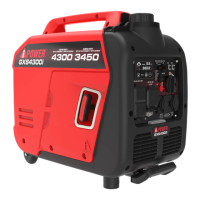
iPower GXS4300i - User Manual

iPower GXS4300i
35 pages
Print Icon
To Next Page IconTo Next Page
Loading...
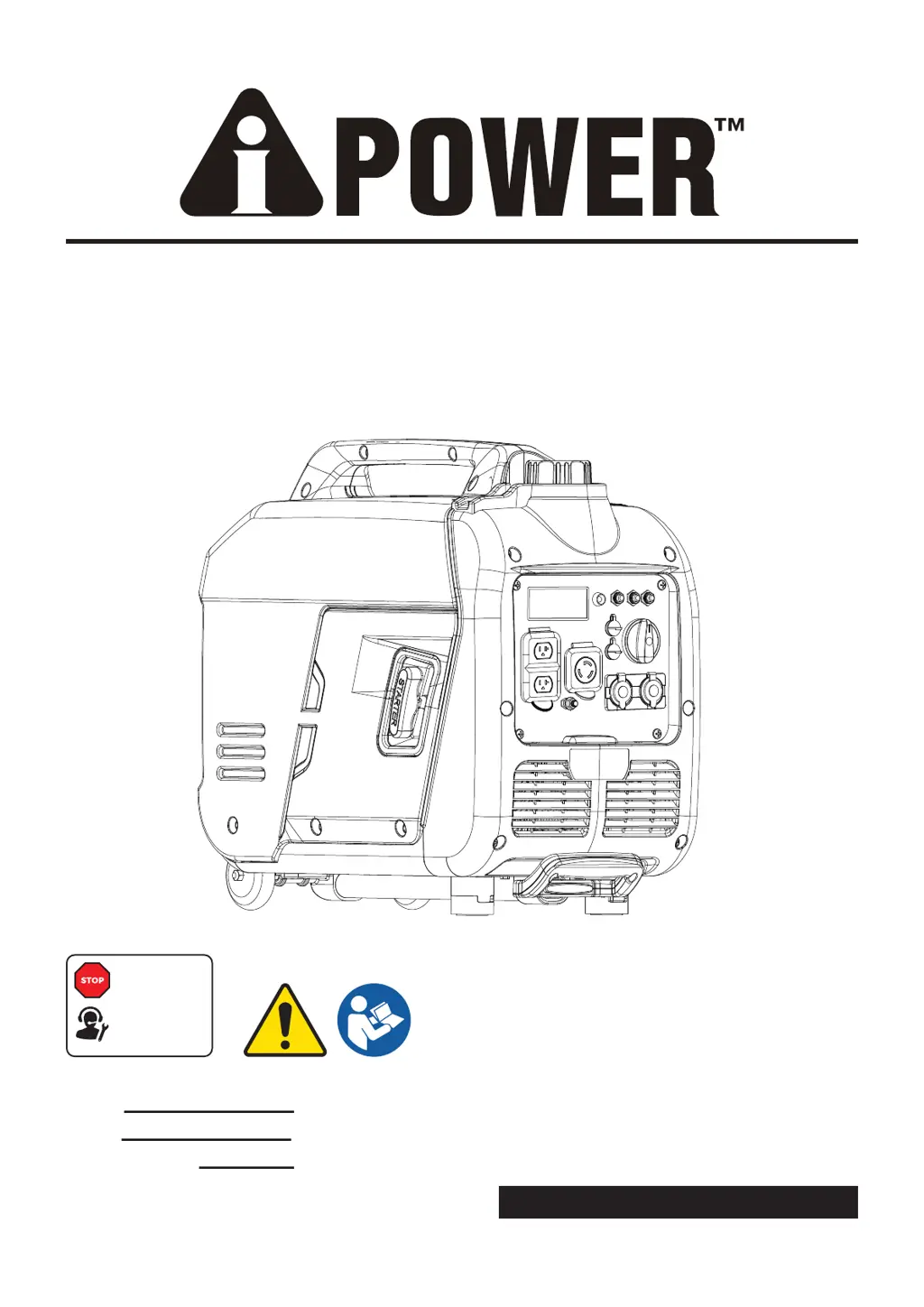
PORTABLE GENERATOR
Owner’s Manual
P/N: 32082-00000-00
Model:
Serial:
Date Purchased:
SAVE THIS MANUAL FOR FUTURE REFERENCE
DO NOT RETURN
TO STORE!
CALL US FIRST
855-888-3598
FOR SUPPORT
Model# 1492001 REV00
GXS4300i

Questions and Answers

  • R
    Robert Jenkins MDAug 10, 2025
    What to do if iPower GXS4300i Portable Generator engine lacks power?
    • M
      Michele BrownAug 11, 2025
      If your iPower Portable Generator engine lacks power, it could be due to: * The load being too high; reduce the load. * A dirty air filter; replace the air filter. * A clogged or dirty fuel filter; clean or replace the fuel filter. * A clogged or dirty spark arrester screen; clean or replace the spark arrester screen. * Bad fuel; drain the gas tank and carburetor and fill with fresh fuel.
  • N
    Nathaniel DavisAug 15, 2025
    What to do if my iPower Portable Generator engine shuts down when running?
    • B
      Brenda HoweAug 15, 2025
      If your iPower Portable Generator engine shuts down while running, consider these potential causes: * The generator may be out of fuel; fill the fuel tank. * A dirty air cleaner can cause shutdowns; clean or replace the air cleaner. * Low oil level can trigger a shutdown; fill the crankcase to the proper level or place the generator on a level surface. * The unit might have shut off due to CO accumulation; follow all safety instructions on the CO Action Label.
  • S
    Stephen MccoyAug 20, 2025
    Why iPower Portable Generator engine runs well at no-load, but bogs down when load is connected?
    • Y
      yjonesAug 20, 2025
      If your iPower Portable Generator runs well without a load but bogs down when a load is connected, it could be due to: * A short circuit in a connected load; disconnect the shorted electrical load. * The load may be too high; reduce the load. * A dirty fuel filter; clean or replace the fuel filter. * Try to connect another device that is in good condition.
  • C
    Caitlin HansenAug 26, 2025
    What to do if there is no AC output available from my iPower GXS4300i?
    • J
      Jimmy ThorntonAug 26, 2025
      If your iPower Portable Generator's engine is running but there's no AC output, consider the following: * The AC circuit breaker may be open; check the AC load and reset the circuit breaker. * Check and repair. * Connect another device that is in good condition. * Correct ground fault and press reset button on GFCI outlet.
  • D
    David RaymondAug 30, 2025
    How to fix iPower Portable Generator engine that “hunts” or falters?
    • J
      James MartinAug 30, 2025
      If your iPower Portable Generator engine “hunts” or falters: * Replace fuel filter. * Set choke to halfway position until engine runs smoothly.
  • B
    brownjessicaNov 4, 2025
    Why iPower GXS4300i Portable Generator engine will not start?
    • A
      Anthony CarrNov 4, 2025
      Your iPower Portable Generator might not start due to several reasons: * The engine switch may be set to the OFF position, so set it to the ON position. * The fuel valve might be in the OFF position; move it to the ON position. * Low oil level can prevent starting; fill the crankcase to the proper level or place the generator on a level surface. * A dirty air filter can cause issues; clean or replace the air cleaner. * The generator may be out of fuel; fill the fuel tank. * Stale fuel can be problematic; drain the fuel tank and carburetor and fill with fresh fuel. * The spark plug wire might not be connected; connect it to the spark plug. * A bad spark plug could be the cause; replace the spark plug. * Water in the fuel can prevent starting; drain the gas tank and carbur...

Summary

Introduction and Safety Fundamentals

Manual Guidance and Hazard Symbols

Emphasizes manual reading and explains safety alerts, symbols, and hazard definitions.

General Safety Precautions

Carbon Monoxide and Ventilation Hazards

Details CO risks, safe operating locations, and health symptom recognition.

Generator Placement and Usage Safety

Correct and Incorrect Placement Examples

Illustrates proper outdoor placement and lists prohibited operating locations.

Operational Safety Guidelines

Starting, Fuel Handling, and Electrical Safety

Covers starter cord kickback, fuel risks, electrical shock, and hot surfaces.

Electrical Connection and Fire Safety

Building Systems Connection and Fire Hazards

Details safe building connections, GFCI use, and fire risks from exhaust/hot surfaces.

Operational Limits and Medical Alerts

Load Limits, Modifications, and Medical Advice

Warns against exceeding limits, unauthorized mods, and using for life support.

Unpacking and Initial Setup

Package Contents and Recording Information

Instructions to verify contents, report missing items, and record product details.

Controls and Features Overview

External Generator Component Identification

Identifies key external parts of the generator with numerical labels.

Control Panel Functions

Control Panel Layout and Outlet Descriptions

Details the function of each control panel element, including data center and various outlets.

LED Data Center Features

Multi-Meter, Low Idle, and Indicator Lights

Explains the LED multi-meter, low idle button, and indicator lights for overload and low oil.

Specifications and Operating Conditions

Technical Data, Ratings, and Certifications

Lists model number, power ratings, engine specs, operating temps, and certifications.

CO WATCH-GUARD System Operation

CO Detection and Auto Shutoff Functionality

Explains the CO detection system, its function, and proper operation.

CO WATCH-GUARD System Warnings

System Tampering and Limitations

Warns against modifying the CO system and clarifies its limitations and warranty implications.

Engine Oil and Fueling Procedures

Adding Engine Oil and Fueling Safety

Provides instructions for adding engine oil and safe fueling practices.

Break-In Period Operation Guidelines

Advises on operating procedures during the first 5 hours of use for optimal performance.

Fueling, Altitude, and Grounding

Fueling Practices and High Altitude Operation

Covers fueling, preventing gum deposits, and operation at high altitudes.

Electrical Grounding Requirements

Stresses the importance of proper generator grounding to prevent electric shock.

Generator Operation and Protection

Generator Location and Surge Protection

Provides guidance on selecting a safe operating site and recommends surge protectors.

Starting and Loading the Generator

Generator Starting and Load Application

Step-by-step guide on starting, connecting loads, and using the low idle switch.

Engine Operation and Stopping Procedures

Load Management and Engine Shutdown

Details load application, generator run-down, and safe engine shutdown.

Low Oil Shutdown and Restart Precautions

Explains the low oil shutdown feature and precautions for restarting.

Parallel Operation Setup

Connecting Two Generators for Parallel Use

Step-by-step guide for connecting two generators for parallel operation.

Maintenance Schedule and Inspections

Scheduled Maintenance and Walk-Around Checks

Outlines recommended maintenance intervals and pre-operation visual inspections.

Engine Maintenance Procedures

Checking and Changing Engine Oil

Provides instructions for checking and changing engine oil, including oil type and capacity.

Air Filter and Spark Plug Maintenance

Air Filter and Spark Plug Servicing

Instructions for cleaning/replacing air filter and servicing the spark plug.

Spark Arrestor and Generator Cleaning

Spark Arrestor Cleaning and General Maintenance

Details cleaning the spark arrestor, general generator cleaning, and storage.

Storage Procedures

Short Term and Long Term Storage

Instructions for preparing the generator for short-term and long-term storage.

Troubleshooting Common Issues

Engine and Output Problem Resolution

Addresses issues like no AC output, engine bogging, rough running, and starting failures.

Parts Diagram

Generator Component Breakdown Diagram

Provides a visual breakdown of the generator's parts with numerical references.

Parts List

Detailed Component Part Numbers

Lists all parts with their corresponding part numbers, descriptions, and quantities.

Circuit Diagram

Generator Electrical System Wiring

Presents the electrical circuit diagram for the generator's systems and components.

Warranty Information and Service

Limited Warranty Coverage and Claims Process

Details warranty coverage, terms, exclusions, and how to obtain service.

Warranty Exclusions and Returns

Warranty Exclusions and Return Guidelines

Lists warranty exclusions and procedures for merchandise returns.

Warranty Registration Form

Product Registration and Customer Feedback

Instructions for registering the product and providing feedback on satisfaction.

iPower GXS4300i Specifications

General IconGeneral
ModelGXS4300i
Starting Wattage4300W
Max Power4300W
Fuel TypeGasoline
Engine Type4-Stroke OHV
Engine Displacement212cc
Run Time at 25% Load12 hours
TypeInverter
Rated Watts3500W
Dimensions (L x W x H)22.8 x 17.3 x 20.1 in
Outlets2x 120V 20A
Starting SystemRecoil

Related product manuals