DIAL-UP DATA -----------------------------------------------------------------------------------------------------WINDOWS 2000 SETUP
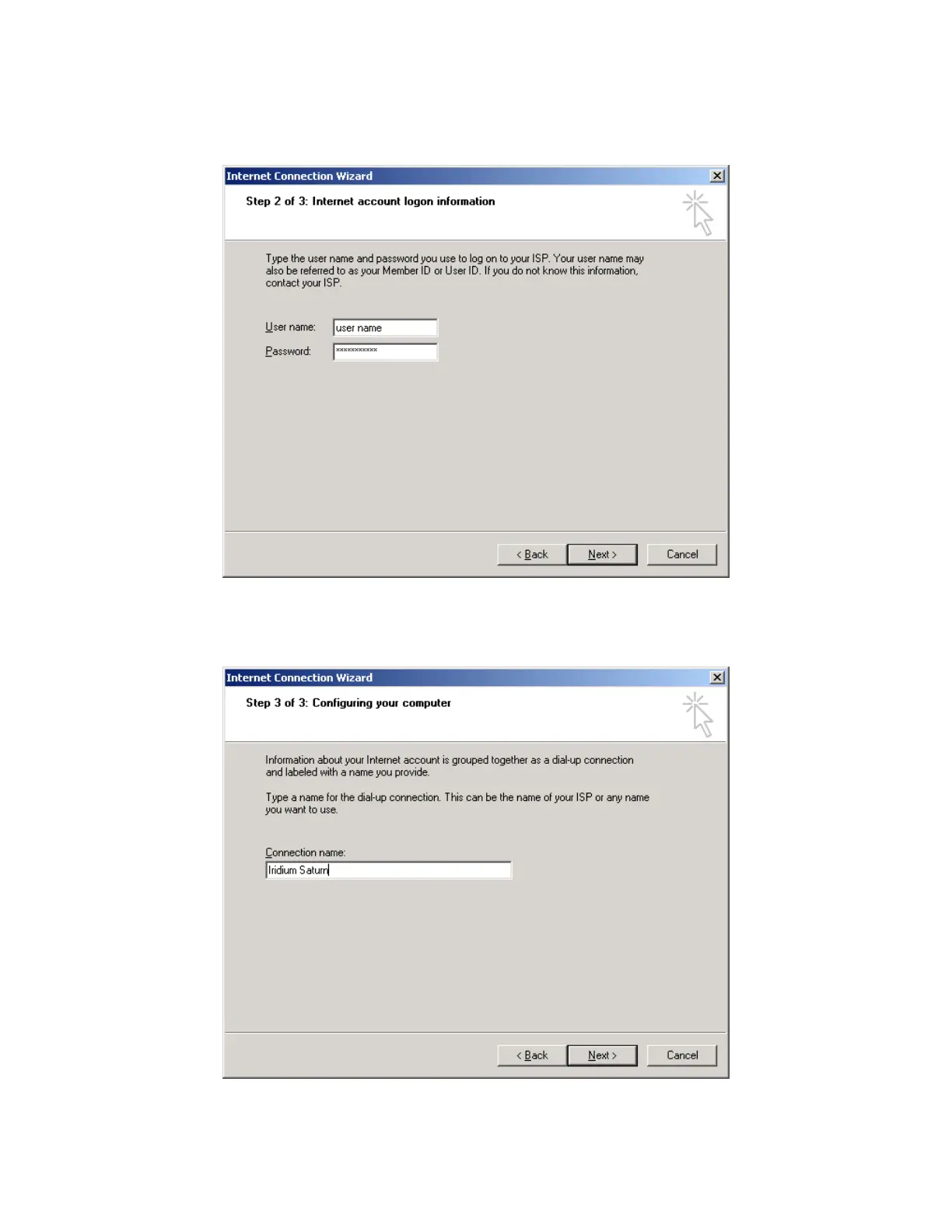
8. In the Internet Connection Wizard, enter your user name and password to access your ISP.
Click Next >.
9. In the Internet Connection Wizard, enter a connection name. For example, if you are creating
a connection to your ISP and your ISP is called Saturn Internet, you might name your
connection “Iridium Saturn.” Click Next >.
Iridium Satellite LLC 33 Rev. 4; February 1, 2002



 To Next Page