4
18 Iridium GO! User Manual
Important battery information:
1. All batteries may cause serious injury or property damage, particularly if handled improperly or used after being damaged.
2. Use only Iridium original products for safety and quality assurance. Iridium’s warranty does not cover damage caused by use of
non-Iridium batteries.
3. Follow these guidelines when charging your battery:
• Never expose batteries to temperatures below 0°C (32°F) or above 45°C (113°F) when charging.
• New batteries are not fully charged and may take more time to charge.
Refer to Chapter 2 “Important safety and regulatory information” on proper use, disposal of batteries, and other information.
Turning your device on
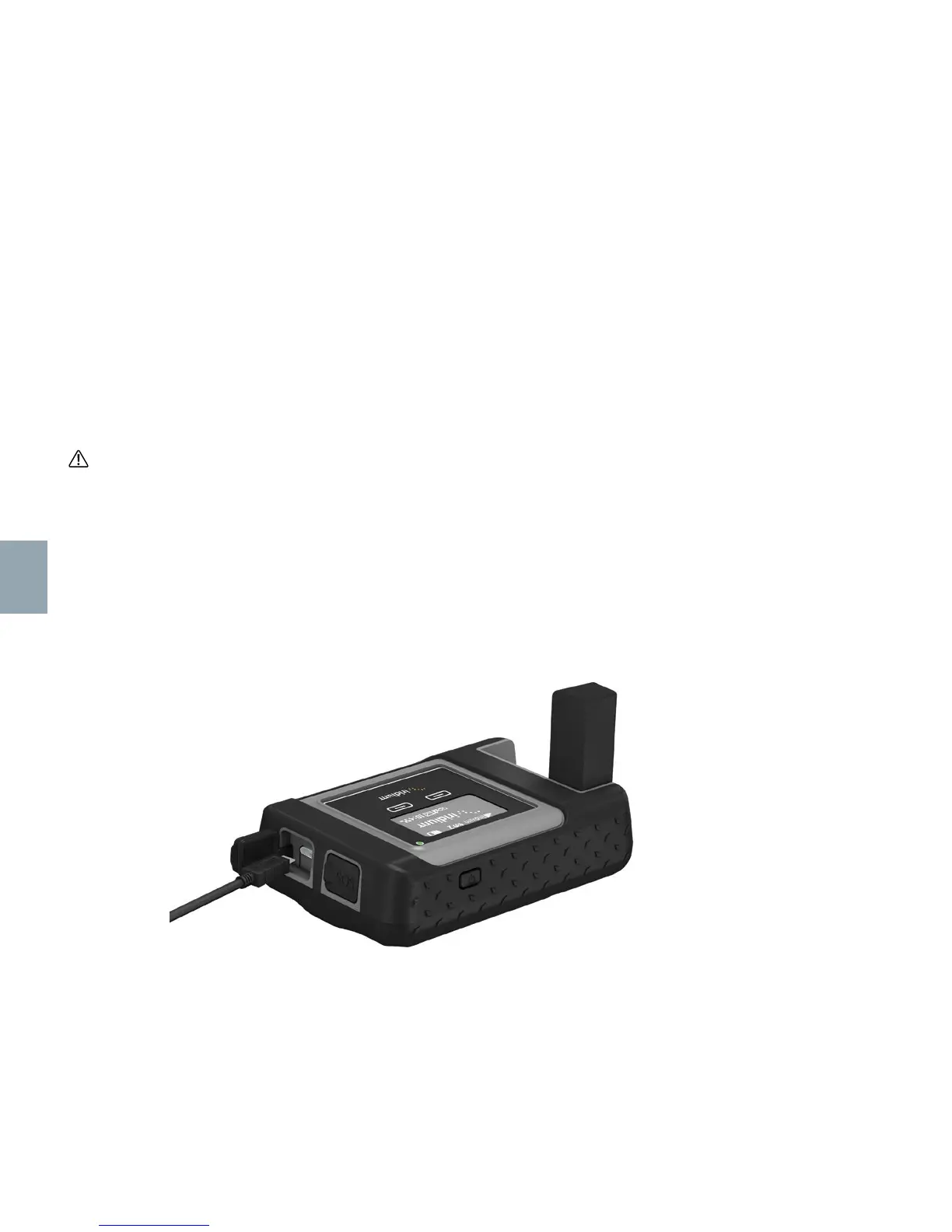
Use of Iridium GO! requires that the swivel antenna is raised to the upright position during operation.
Once raised, Iridium GO! will automatically complete the power up sequence in approximately one
minute and will begin registration with the Iridium network. Once registered, the signal strength
icon will appear on the Iridium GO! device screen.
NOTE: Your Iridium GO! must be placed outside and remain oriented towards the sky to access the Iridium network.



 To Next Page