38 Iridium GO! User Manual
6
6: Additional information
Device features
The Iridium GO! device screen displays the status of the device or activity with the application. The
configuration menus are navigated by using the left and right buttons. To conserve power, the
screen will automatically turn-off after a period of inactivity. To turn the screen back on, press either
the navigation button or the power button on the device.
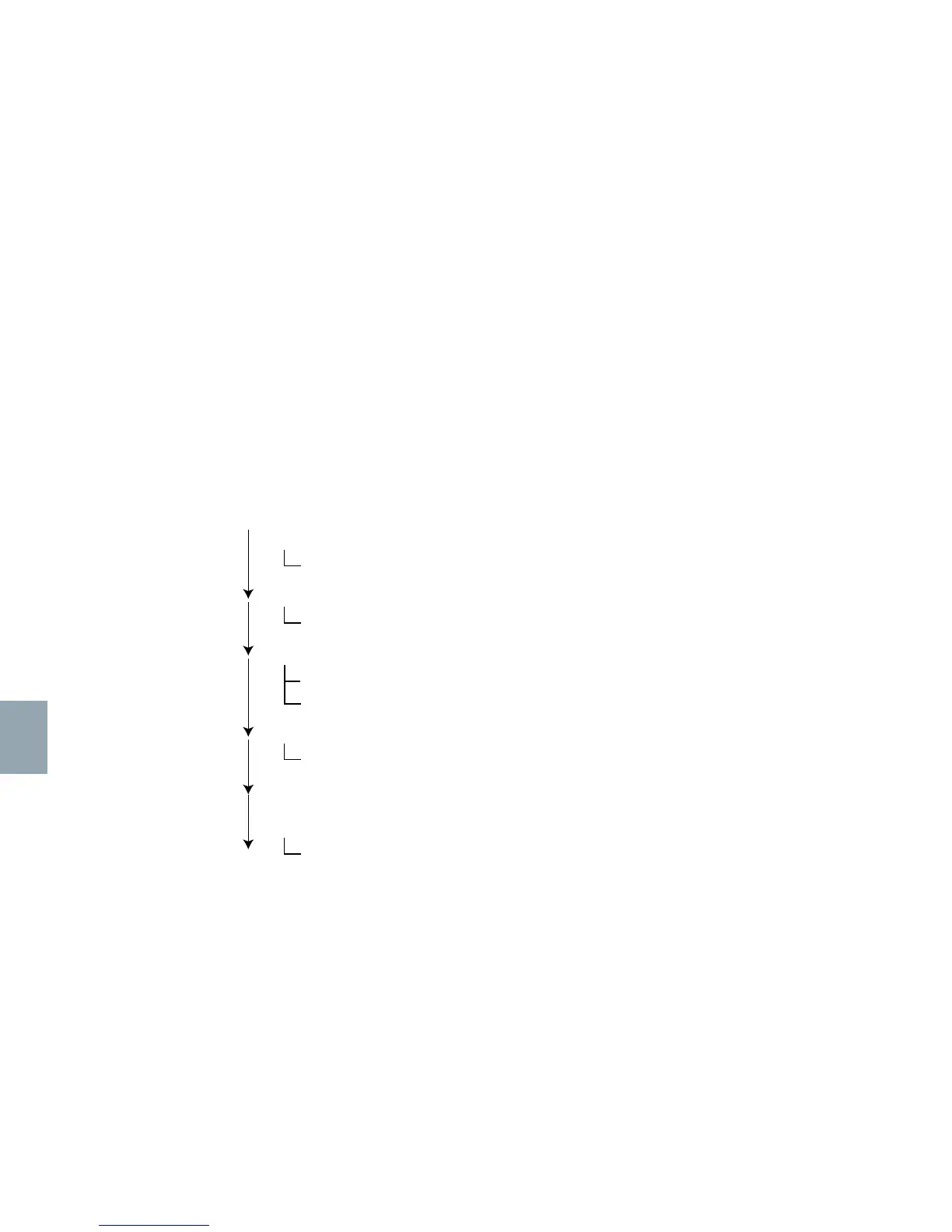
The following is an outline of the menu system on the device; as the menus can be navigated by
using the left and right buttons.
* Information mode displays the Device Serial number, Wi-Fi SSID, IMEI, Main Firmware, Hardware Revision and Transceiver Firmware.
NOTE: Display Menu is subject to change – please check latest firmware.
Tracking
Send Quick GPS
Internet
Start Internet Connection
Power mode
Set GPS – On demand (default)/ On
Set Wi-Fi – On (default) / Off
Audio
Mute / Restore Audio
Information*
Languages
English, French, Japanese, Russian, Spanish



 To Next Page