Iridium GO! User Manual 35
5
Contacts
The Iridium GO! application has two types of Contacts – personal
and shared. Personal contacts are stored on the individual’s phone
or tablet. Shared contacts are stored on the Iridium GO! device and
shared among all Iridium GO! application users.
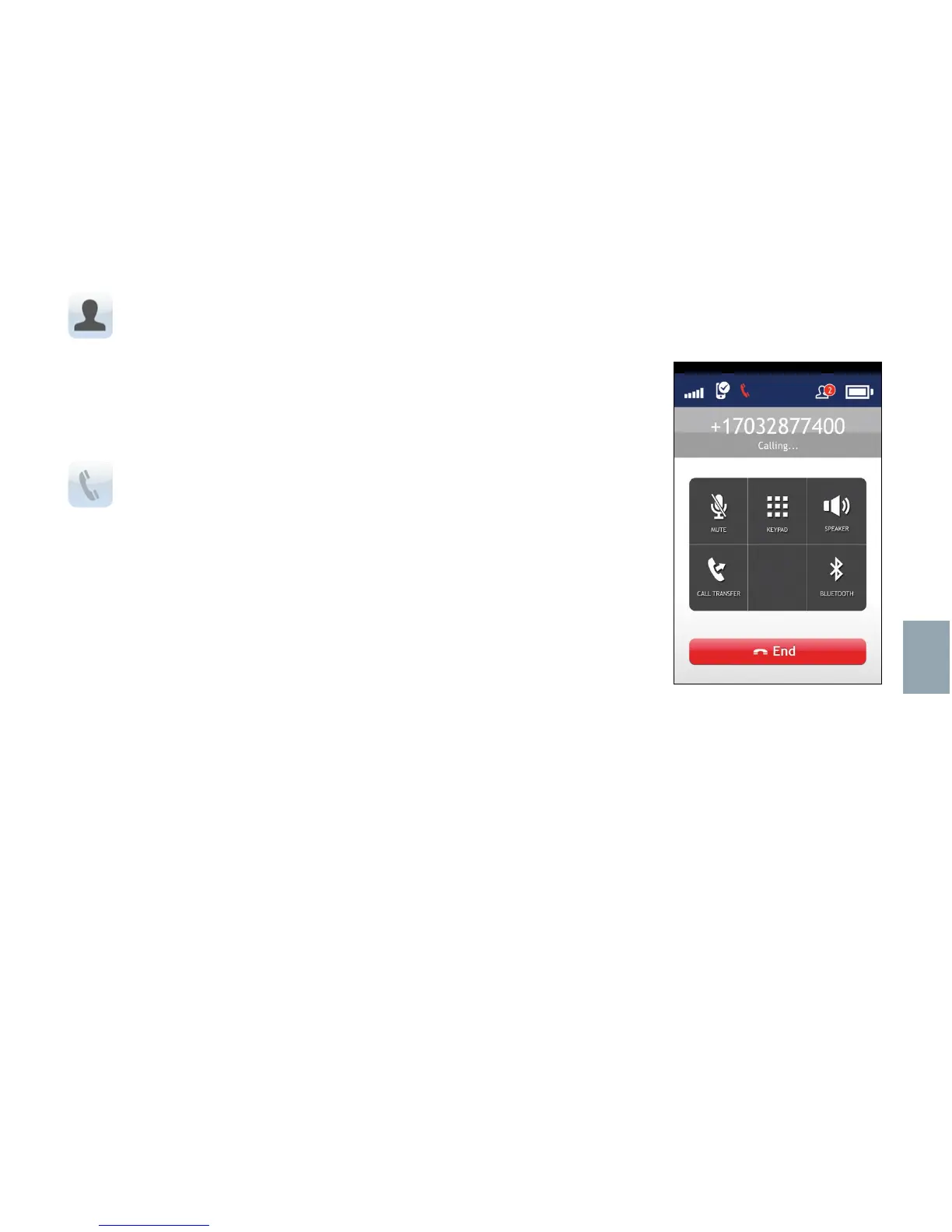
Placing a call
The Iridium GO! application enables you to place phone calls to
internationally-formatted numbers, stored smartphone contacts, and
shared Iridium contacts stored on your Iridium GO! device.
1. Ensure Iridium GO! is on and registered with the Iridium network.
2. Launch the Iridium GO! application, login and press the Call icon.
3. To make a call, enter the full dialing sequence: 00 or + [Country
Code] [Phone Number], or use the Country flag dropdown menu.
4. Press the green key to initiate the call, and press the red key to end
the call.



 To Next Page