26 Iridium GO! User Manual
4
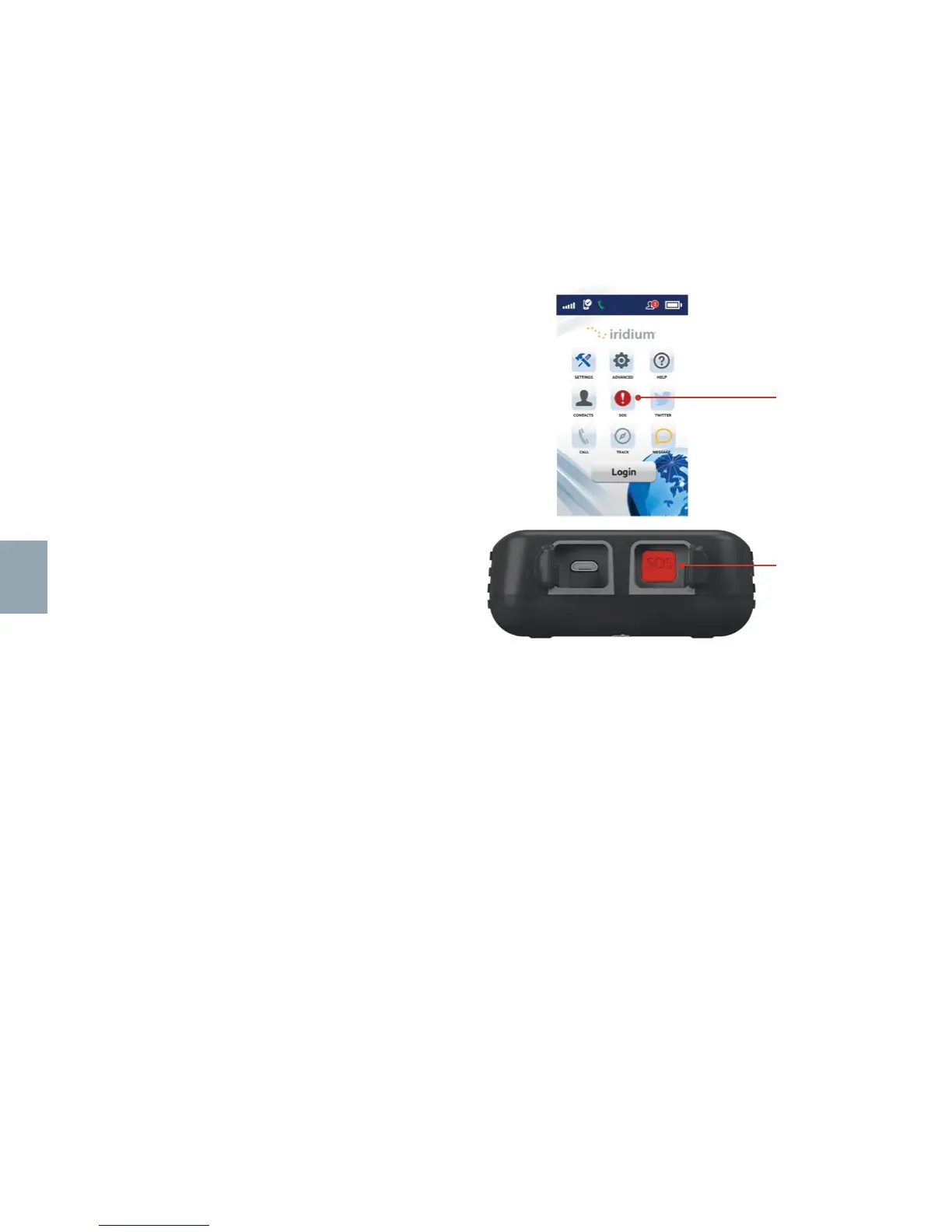
SOS Icon
SOS Button
Configuring SOS
Iridium GO! offers a programmable SOS button
that can be used to notify specified contacts
or a commercial safety service provider in the
event of an emergency. You must properly
configure the SOS settings within the Iridium
GO! application or Advanced Features portal.
Once configured, an SOS can be initiated
either from the Iridium GO! device by opening
the SOS cover and pressing the red SOS
button or from the Iridium GO! application
by pressing the SOS icon when paired to the
Iridium GO! device.
An SOS initiated by pressing the SOS button on the Iridium GO! device will only send an
emergency message with location, while an SOS initiated from the Iridium GO! application will
also provide the option for two-way voice communication with a designated contact.
NOTE: The operation of the SOS button feature is limited by any conditions affecting the Iridium and GPS signal strength and GPS
service availability.



 To Next Page