Iridium GO! User Manual 31
4
Voicemail
The voicemail feature will enable you to access a message inbox that is stored in the Iridium network.
Apple iOS Android
The default Voicemail number +881662990000 is pre-programmed.
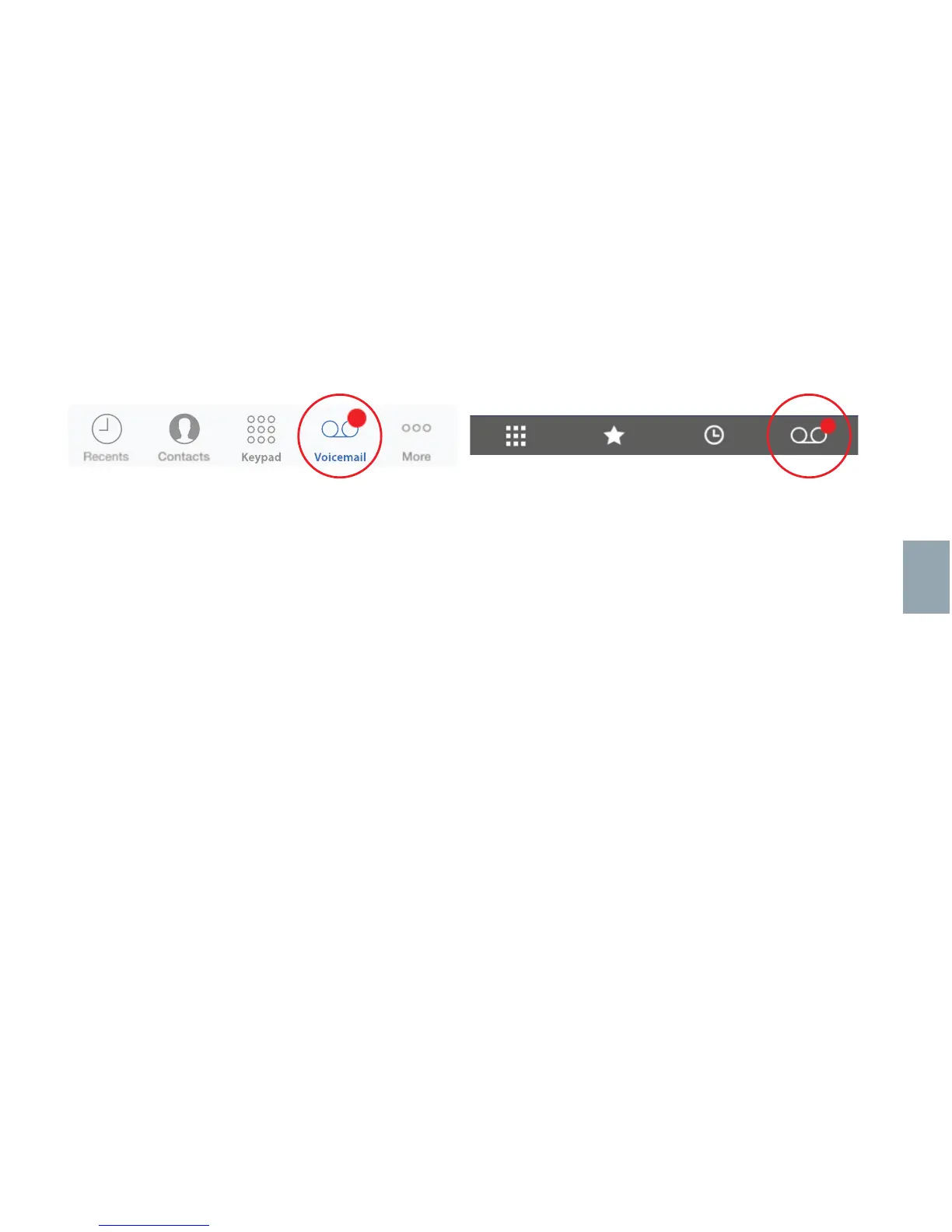
To set-up Voicemail, press the Voicemail icon, and follow the audio instructions:
• When you have accessed the Iridium Messaging Center, enter your Iridium phone number
followed by the star (*) key; then enter your password (default is the last seven (7) digits of your
phone number).
• Follow the audio prompts to set your new password, record your greeting and configure your
account settings.
• End the call by pressing the End button, and follow the same “Call Voicemail” steps to check
voicemail notifications in the future.
Once configured, a red dot on the Voicemail icon will indicate if a new message is waiting.



 To Next Page