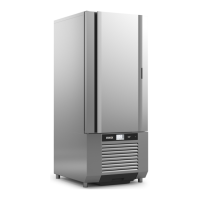
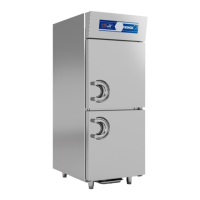
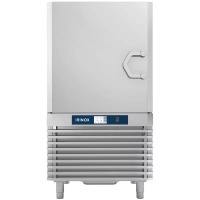
32
4.4. TROUBLESHOOTING
Electronically-managed diagnostics:
• This symbol turns on
• The alarm Code appears on the display
ALARM LIST
VISUALIZZAZIONE ALLARMI:
The electronic control of the machinery is equipped with a
visual system which signals the presence of alarms.
The alarms are registered on an alarm list.
Description
Alarm
code
ALD
AS1
AS2
AS3
Door open alarm
(with door closed)
S1 cell probe faulty
S2 cell probe faulty
Total block with probes
S1 and S2 faulty
Magnetic contact faulty
S2 probe broken
Guasto della sonda S2
Probes S1 and S2 are broken
Technician intervention
Replace S1 probe
Replace S2 probe
Probes S1 and S2 are broken
Possible cause Possible solution
DescriptionPhase Front panel screen
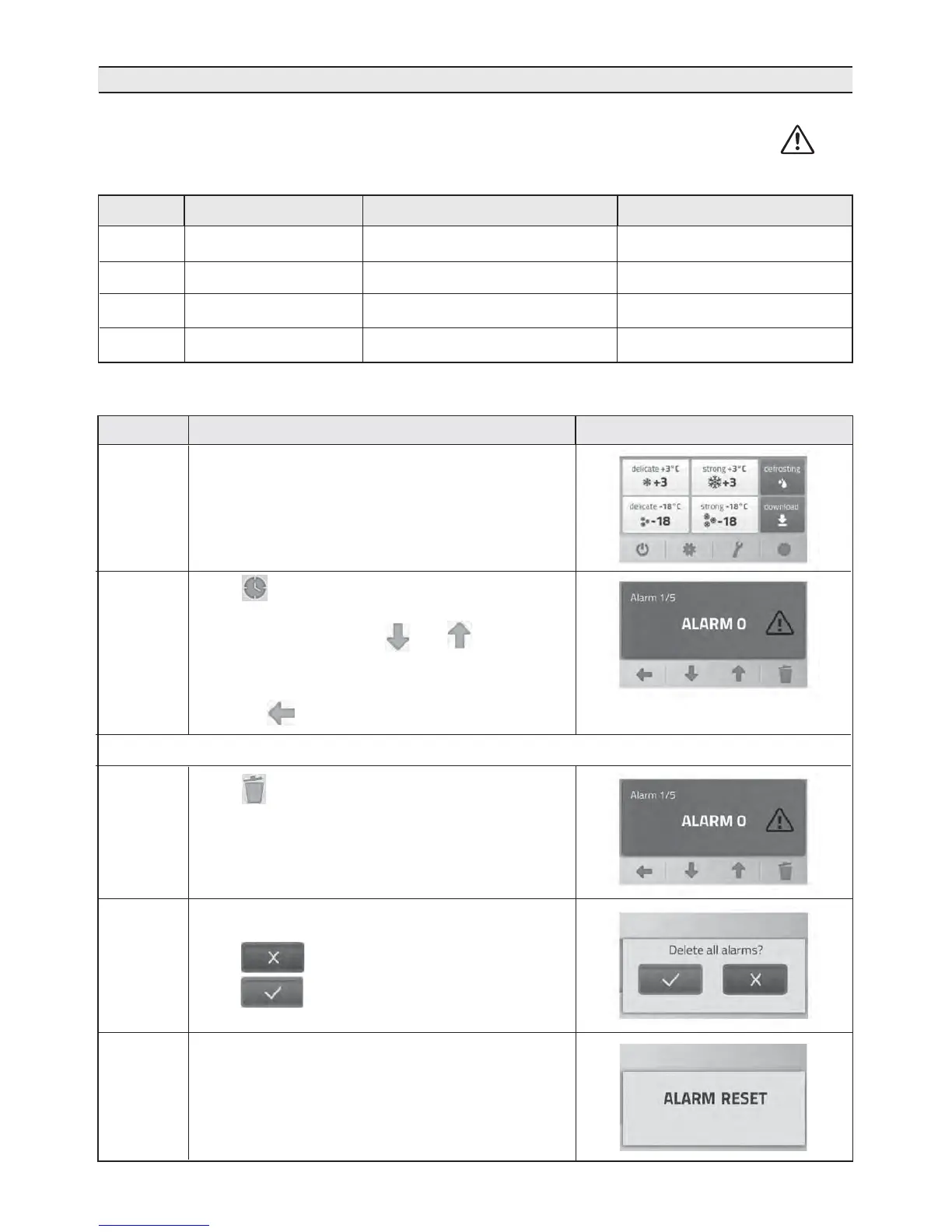
RESETTING THE ALARM RECORDING MEMORY:
1
2
0
Initial condition
3
4
Press
to delete the alarm list
A deletion request screen appears:
Press to go back to the previous screen;
Press si to delete the alarm log
When the deletion is accepted, the display will show
“ALARM RESET” for 3 seconds, before going back to
the initial grid
Press for 5 seconds.
The display will show the list of alarms. Up to 5 alarms
can be saved and using the and keys you can
scroll the list of alarms starting from the most recent
one. If there are no alarms, “NO ALARM” appears
Press the key to go back to the initial grid.


 To Next Page