UserManual
Model‐irisX1 15
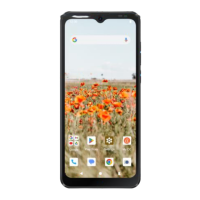
5.1. Open and Close the Launcher
Touch the Launcher Icon
to open the main menu.
Touch andhold an emptyspot tochange
wallpaper.
Touch an icon to launch the
corresponding application; bottom
icons are accessible from all desktop
screens.
Touch and hold to move or remove an
icon or a widget.
Thestatus bar shows thetime,
signal strength, battery status,
and notification.


 To Next Page