IPU 40108
Page 27 of 29
5.3.1.1.5 Help
The Help menu gives the following information:
• About
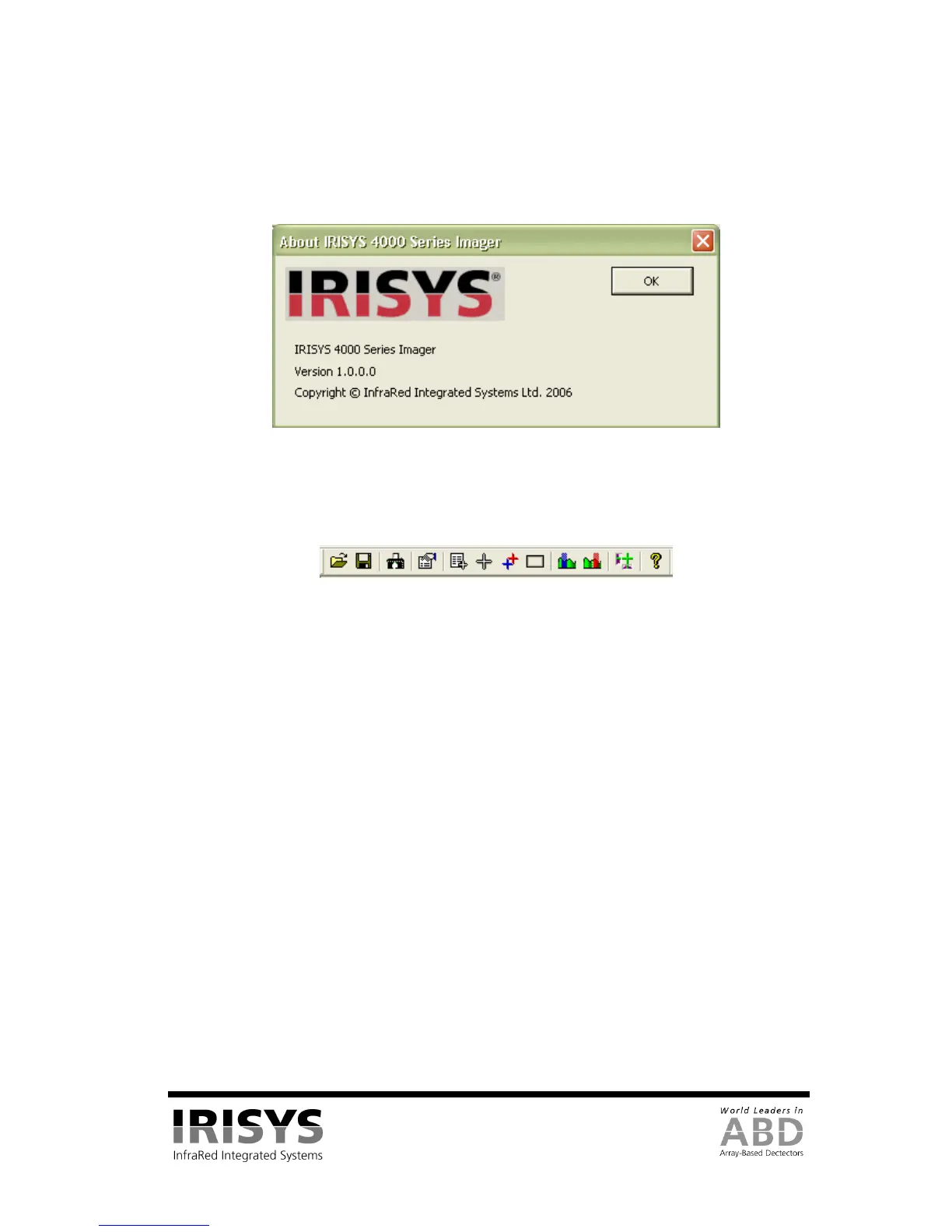
1) About IRISYS 4000 Series Imager – This displays the IRISYS software version being used.
Figure 46: Version Information
5.3.1.2 Toolbar
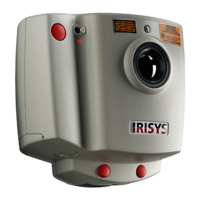
The Toolbar includes 12 icons; all of which have been covered in the menus. The icons are listed below.
Figure 47: Toolbar
1) Open - See Section 5.3.1.1.1
2) Save - See Section 5.3.1.1.1
3) Capture from Imager - See Section 5.3.1.1.4
4) View Options - See Section 5.3.1.1.3
5) Toggle Measurement Cursor list See Section 5.3.1.1.3
6) Toggle Measurement Cursors - See Section 5.3.1.1.3
7) Toggle Hot & Cold Cursors - See Section 5.3.1.1.3
8) Toggle Area Select - See Section 5.3.1.1.3
9) Toggle Blue Isotherm - See Section 5.3.1.1.3
10) Toggle Red Isotherm - See Section 5.3.1.1.3
11) Toggle Profile Display - See Section 5.3.1.1.3
12) About - See Section 5.3.1.1.5


 To Next Page