Roomba Accessories
12
Roomba Accessories
13
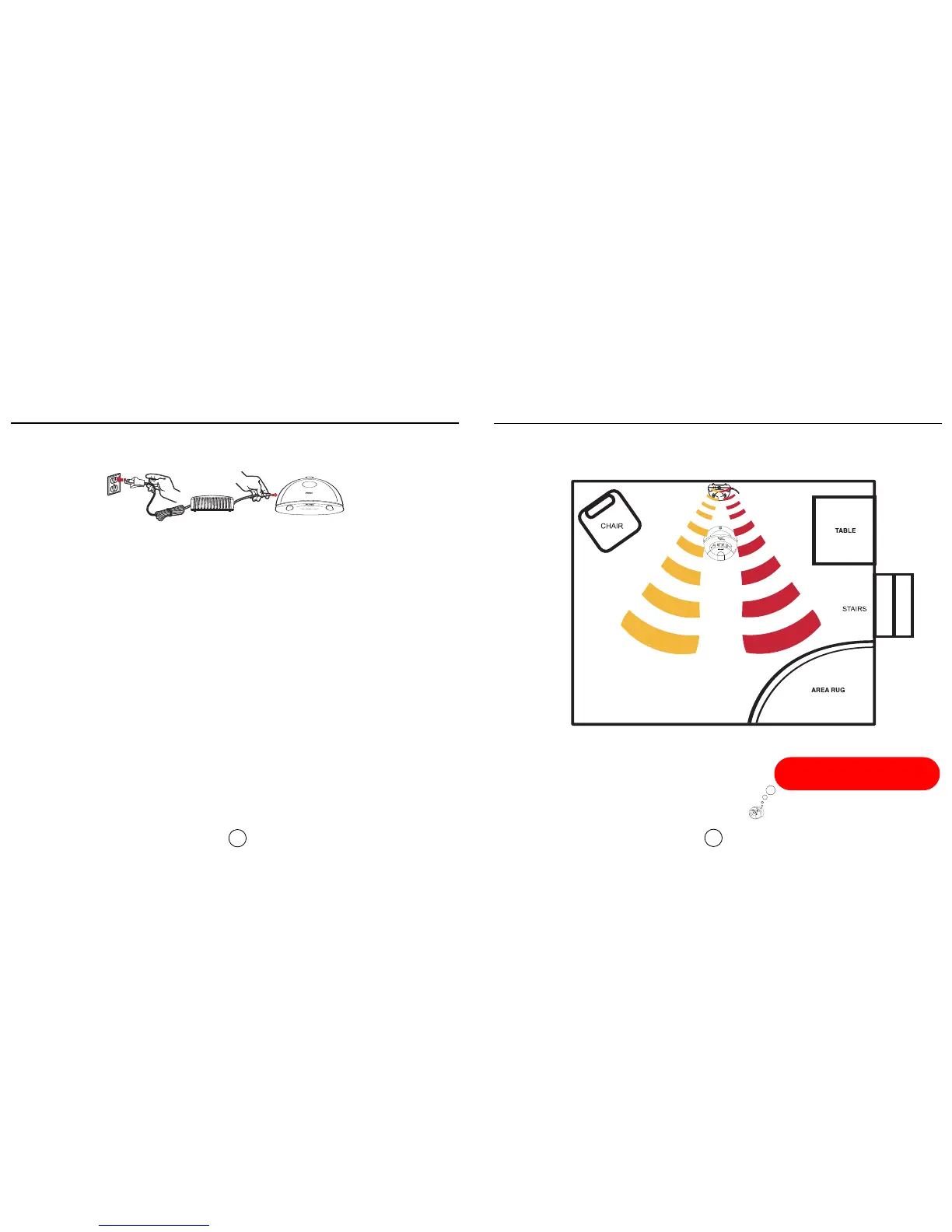
When placing Roomba on the Home Base, both
green LED's on the base must be
illuminated or Roomba will not charge.
Home Base
Ideal Home Base setup
Roomba will return to the Home Base at the end of a cleaning cycle or when its battery
is running low. Roomba needs to find the infrared signal of the Home Base in order to
return.
Always keep the Home Base plugged in.
Be sure to keep your Home Base on a hard level surface and in an area where Roomba
has a clear path to the dock so Roomba can return at the end of a cleaning cycle.
To manually dock Roomba, place it within 5 feet of the Home Base and press “Spot” and
“Clean” simultaneously, or just drive Roomba near the Home Base with the remote,
Roomba will dock automatically.
The Roomba Remote,Virtual Wall, and Home Base all operate using an invisible infra red technology. If they are all
used in the same area, Roomba may see multiple infra red signals and not operate. Roomba WILL NOT dock if you
have a Virtual Wall near the Home Base.









 To Next Page