43
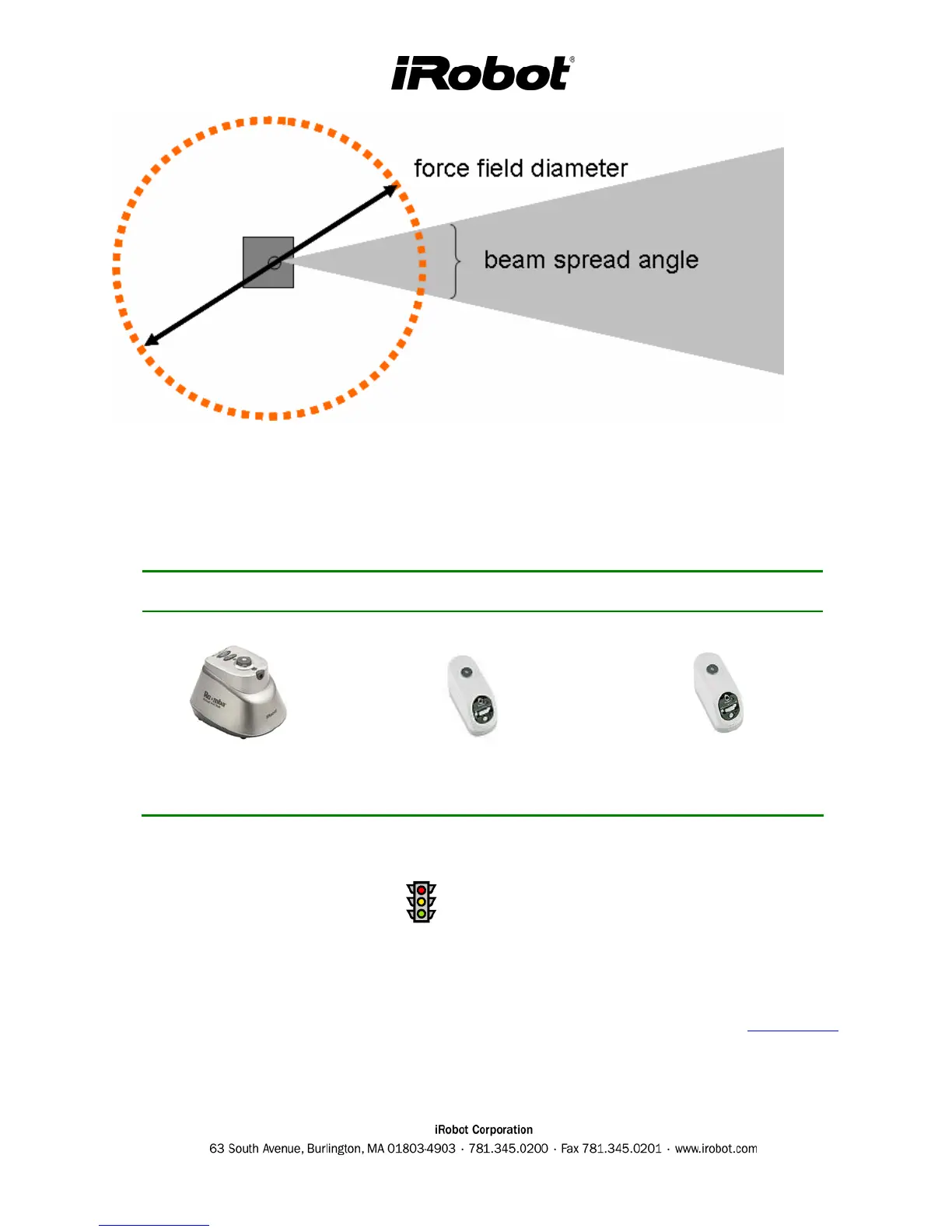
Top view of Virtual Wall and beam spread
Virtual Wall Generations
Silver Virtual Wall Slim Virtual Wall Scheduler Virtual Wall
Beam Angle : 24 deg
Diameter : 0.8 m
Beam Angle : 27 deg
Diameter : 0.6 m
Beam Angle : 27 deg
Diameter : 0.6 m
Virtual Wall Troubleshooting
• If you press power and the light does not go on or flashes, check the batteries and the virtual
battery door. If the Roomba goes through the beam, wipe the Virtual Wall eye (RCON) on top
of the unit.
• Use a Roomba and the Virtual Wall to perform the Mobility Test (see Figure 4 in Appendix H).
This will test Virtual Wall beam avoidance.















 To Next Page