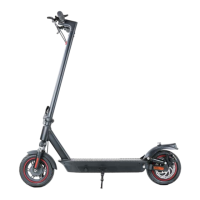
Disc Brake Adjustment
30
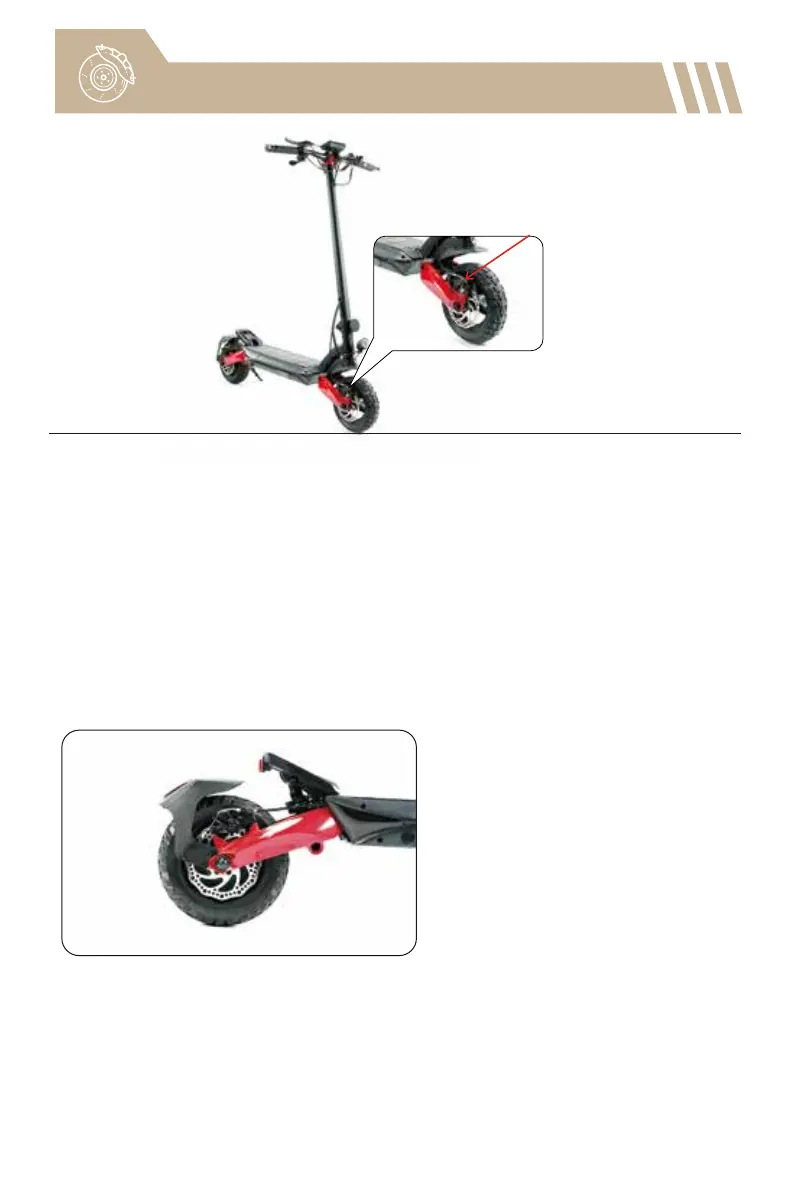
To adjust the disc brake:
You need a hex wrench to loosen the bolt on the cable clamp.
• If the disc brake is dragging, slide the arm of the clamp backward along the cable
while holding the cable in one hand. Then, re-tighten the bolt on the brake clamp.
• If the disc brake does not work efficiently, the cable is slack. You need to slide the
arm of the clamp forward along the cable while holding the cable in one hand.
Then, re-tighten the bolt on the brake cable clamp.
Notice: The disc brake may squeak when in use until it is broken in. This is normal
and does not affect the brake's function or performance.
• First, make sure the scooter is turned off.
• Loosen the two brake caliper mounting bolts (not the bolt on the cable clamp).
• Reposition the brake caliper to ensure the brake rotor is in the middle of the two
brake pads.
• Keep the brake rotor not touching the brake pads.
• After repositioning the brake caliper, re-tighten the mounting bolts.
For easier operating, we suggest you put the scooter on the desk.
To eliminate braking noises:



 To Next Page